

Looking to build without terrain getting in the way? Creating a flat world on your Hytale server is perfect for large projects, minigames, testing mechanics, or just building with friends. Instead of dealing with hills, caves, and natural generation, you can start with a clean surface tailored to your needs. In this Apex Hosting guide, we’ll show you how to create a flat world on your Hytale server step-by-step 👏
Creating a Flat World in Hytale
Make sure to have admin permissions before following the steps below!
- Join your Hytale server with admin (op) permissions.
- Type
/world add [name] --gen=Flatin chat, then pressEnter.
- If successful, you will see a confirmation message.

- Use the
/tp world [name]command to teleport to it.
You can also run the world generation command Console from your Apex server panel.
Why Use a Flat World?
Flat worlds are ideal for building anything you want in Hytale. Whether you are creating arenas, parkour maps, or importing custom builds, these worlds are perfect. Flat worlds are also amazing at testing mechanics, plugins, mods, and asset packs. They’re effectively a developer’s dream to play around with unique features, without messing up the main world that players enjoy.
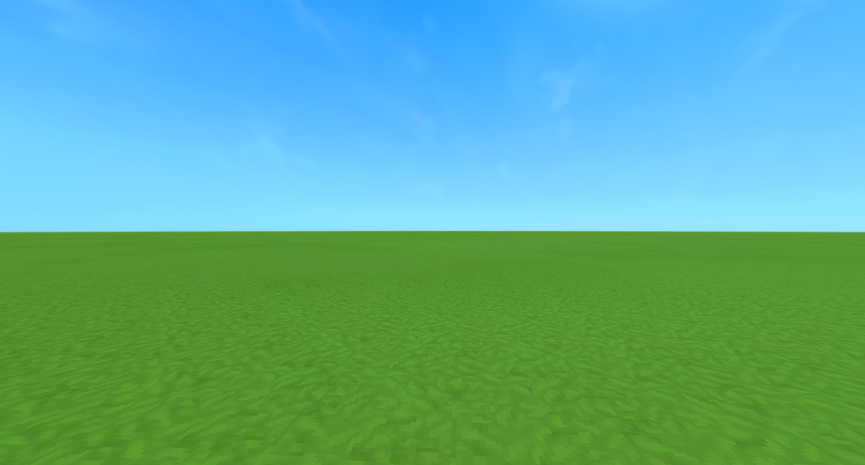
Hytale World Customization
Creating a flat world is just the beginning. Hytale allows you to manage multiple worlds, adjust gameplay settings, install mods, and so much more to match your vision. Custom world generation gives you full control over how players interact with your environment. Combine flat worlds with mod and asset packs to create a truly unique experience tailored to your community.
Helpful Resources
- How to Change the Death Penalty on a Hytale Server
- How to Enable PVP on a Hytale Server
- How to Become Admin on a Hytale Server
- How to Install Hytale Server Mods, Plugins & Assets
👉 For more Hytale guides, click here!





















