

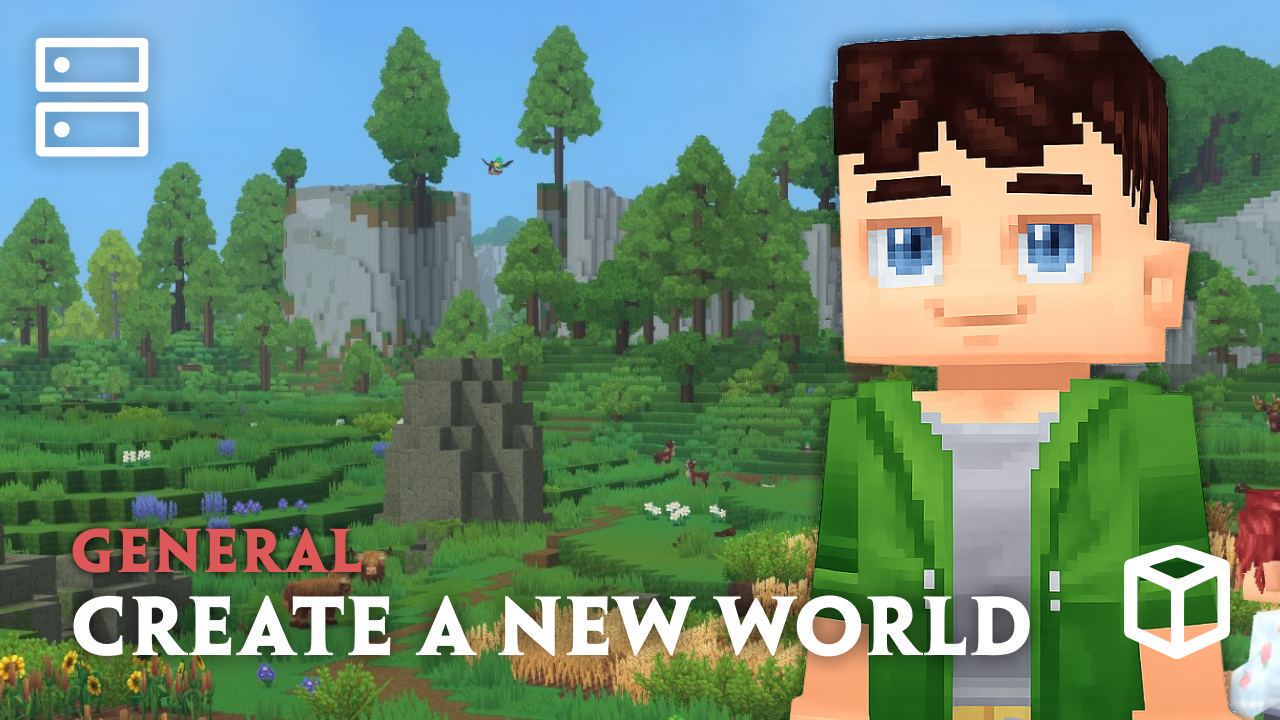
Creating multiple worlds on a Hytale server allows you to experiment with new environments, run different game modes, or reset progress without affecting existing worlds. In this Apex Hosting guide, we’ll walk through how to create new worlds, use different world generators, and manage world settings using built-in commands. This makes it easy to customize your server and give players unique experiences across multiple worlds! 🌎
Creating New Hytale Server Worlds
Whether you want a brand new default world or a customized one, there is one main command for that. For custom generation, make sure to review “Hytale World Generators” to learn more.
- Join your Hytale server with admin (op) permissions.
- Type
/world add [name]in-chat, then pressEnter.
- (Alternative) Type
/world add [name] –gen=[generator]if you want custom generation.
- If successful, you will see a confirmation message.
You can also run these commands in the Console from your Apex server panel.
Hytale World Generators
There are 4 main generators to use, all serving their purpose. From building hubs to creating islands in the void, these Hytale custom gens give you all the tools to make the best worlds.
- Hytale – The default procedural world generator
- Flat – Generates a flat world with defined layers (Options: Tint, Layers)
- Void – Generates empty chunks with no blocks (Options: Tint, Environment)
- Dummy – Places a single layer of unknown blocks (for testing)
Helpful World Commands
While having more worlds in your Hytale server, understanding useful world commands is important. This will help you make quick changes to your world settings or remove unwanted worlds. There are plenty of other commands, so please use /world in-chat to see what other ones you can use.
| Command | Description |
|---|---|
| /world list | Shows all worlds on the server. |
| /world config | Main command for world settings. |
| /world remove [world] | Delete any world from the server. |
| /world prune –confirm | Deletes all non-default worlds without active players. |
| /world setdefault [world] | Set the default world for the server. |
| /world setspawn | Set the default spawn point in the world. |
World Creation – Hytale Servers
Creating and managing worlds is a core part of running a successful Hytale server. Whether you’re launching a new survival experience, building a creative sandbox, or testing custom generators, Hytale gives server owners full control. With us, you can create, configure, and manage worlds directly in-game or from the server console. This makes it easy to expand your server and build fantastic worlds without too much of a hassle.





















