

Finding that one-in-a-million super rare creature is a feeling every gamer loves, adding a whole new layer of excitement to exploration. The Aures – Livestock Skins mod for Hytale delivers this exact thrill, adding tons of new colors and extremely rare texture variations for almost every animal species. In this Apex Hosting guide, we’ll show you how to install Aures – Livestock Skins on your Hytale server with our one-click installer 👏
Aures – Livestock Skins Installation
- Head towards your Apex server panel, then click
Stopat the top. - Navigate to
Server Configuration > Modboxon the left.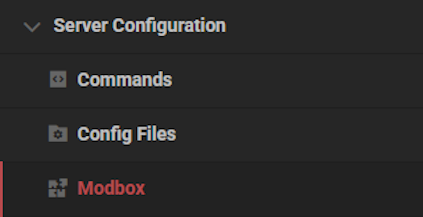
- Locate the mod via categories or the search bar, then select it.
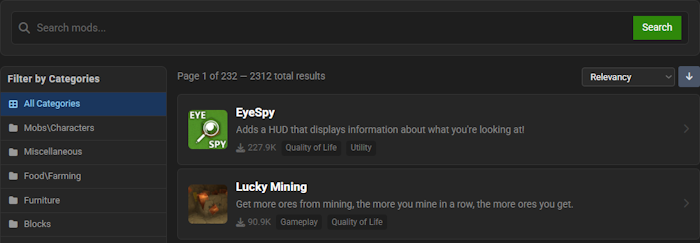
- Choose a version on the right and click
Install.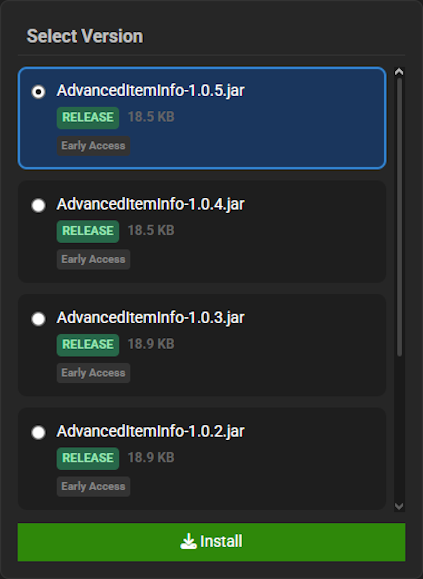
- Return to the main panel and
Startup the server to load the mod.
Aures – Livestock Skins Showcase
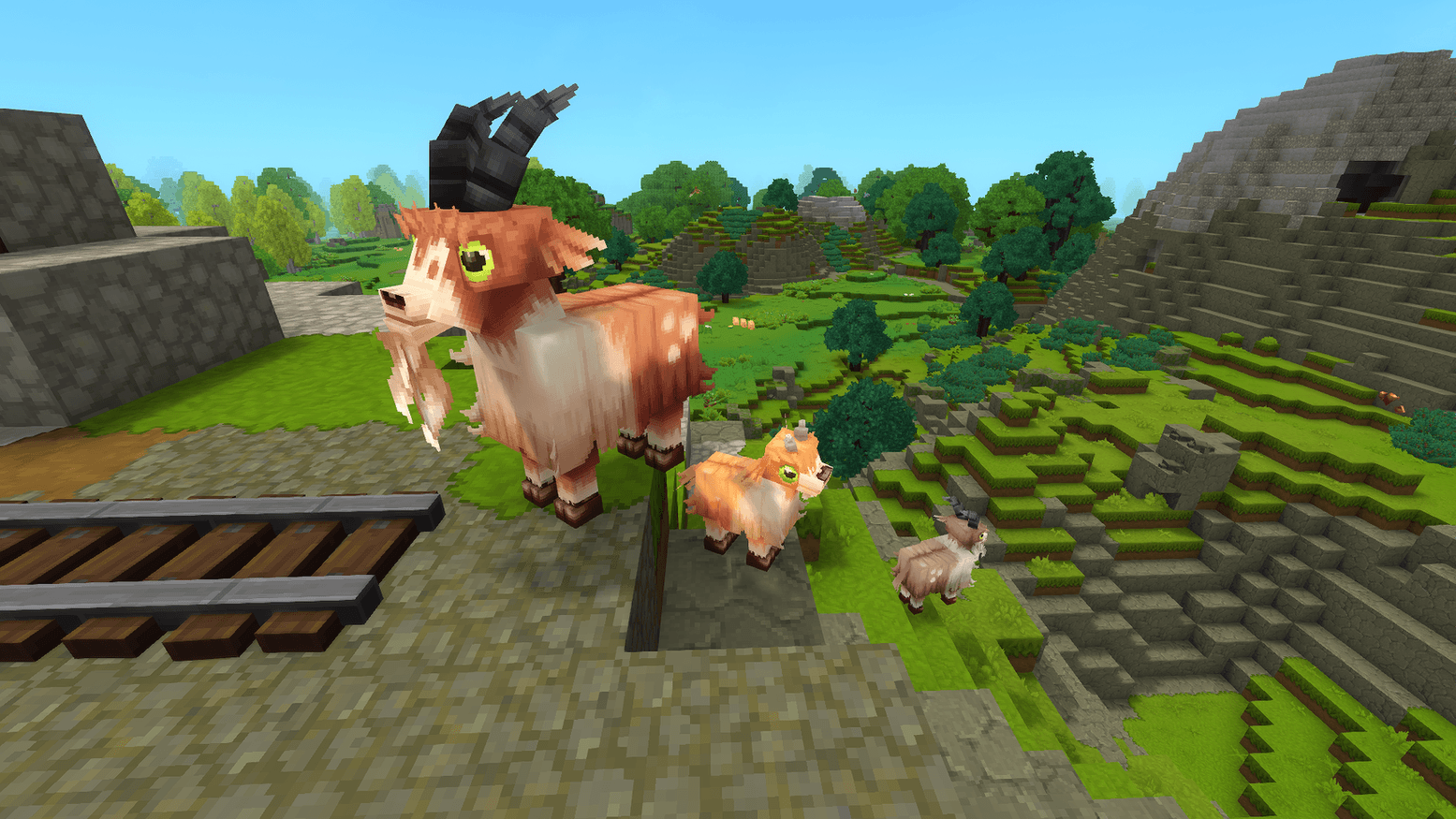
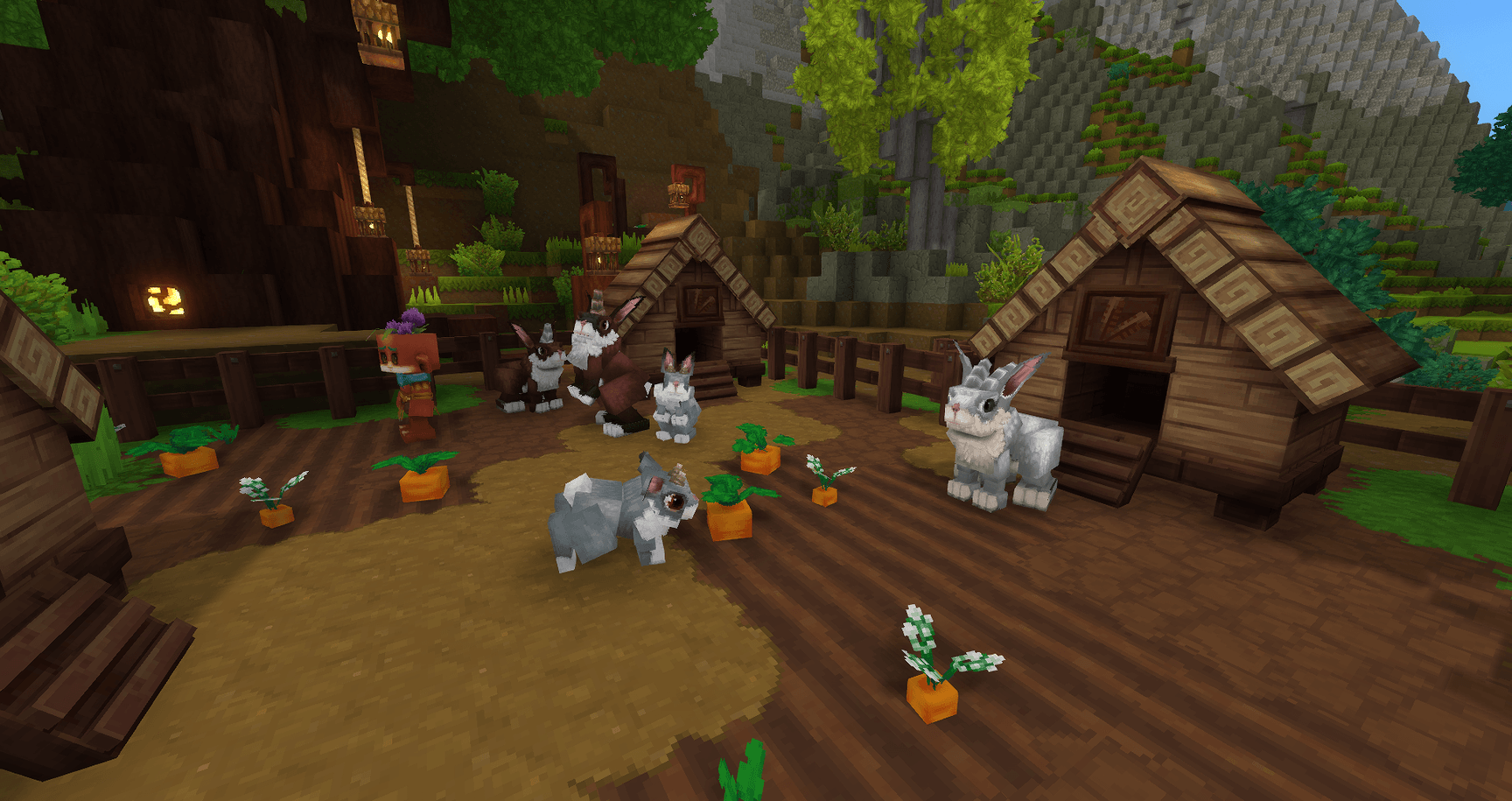
Aures – Livestock Skins brings a new layer of visual diversity and excitement to your world. This pack focuses on adding a massive collection of new appearances for your favorite farm animals.
Animal Variations
With Aures – Livestock Skins, you will discover over 150 new, randomized patterns for a wide variety of animals including cows, pigs, and sheep. This massive expansion of textures brings incredible visual diversity to your pastures and farms, ensuring no two herds look quite the same.
Rare Collectibles
For the dedicated collector, Aures – Livestock Skins introduces exceptionally rare special variations for nearly every supported species. Finding and gathering these unique skins provides a new and exciting long-term goal, adding a thrilling hunt to your gameplay loop.
Vanilla Friendly
The Aures – Livestock Skins mod is designed for seamless integration, only changing the appearance of creatures without altering their models or behaviors. This focus on aesthetics ensures complete compatibility with the base game experience and other add-ons you may use.
Modded Hytale Server Hosting
Aures – Livestock Skins breathes new life into your Hytale world by giving every farm animal a unique and charming appearance. With your farm now bustling with renewed character, adventure awaits. Invite your friends and prepare for an unforgettable journey!
Frequently Asked Questions
Below are frequently asked questions about the gameplay features in Aures – Livestock Skins.
What does the Aures – Livestock Skins mod change in the game?
This mod adds over 150 new random colors and patterns for vanilla animals. It only changes their appearance and does not add new animals, change their models, or alter their in-game behavior. Most species also include very rare special variations, making it ideal for collectors.
Which animals are affected by this mod?
Aures – Livestock Skins adds new textures for the Camel, Chicken, Cow, Goat, Mouflon, Pig, Rabbit, Ram, and Sheep.
How do I fix the flickering undead animals issue?
To temporarily resolve the flickering undead animal issue, you must periodically disable and then re-enable the mod for your world. Head towards the world selection menu and right-click on your world icon to see the mod list. Uncheck the mod to disable it, and then check it again to re-enable it. This fix will last until you restart the game.





















