

Conquering the fog of war and creating a single, shared world map for your entire community is a total game-changer for exploration. BetterMap is a fantastic Hytale mod that allows every player’s discoveries to contribute to one unified map in real-time, permanently saving all explored areas. In this Apex Hosting guide, we’ll show you how to install BetterMap on your Hytale server with our one-click installer 👏
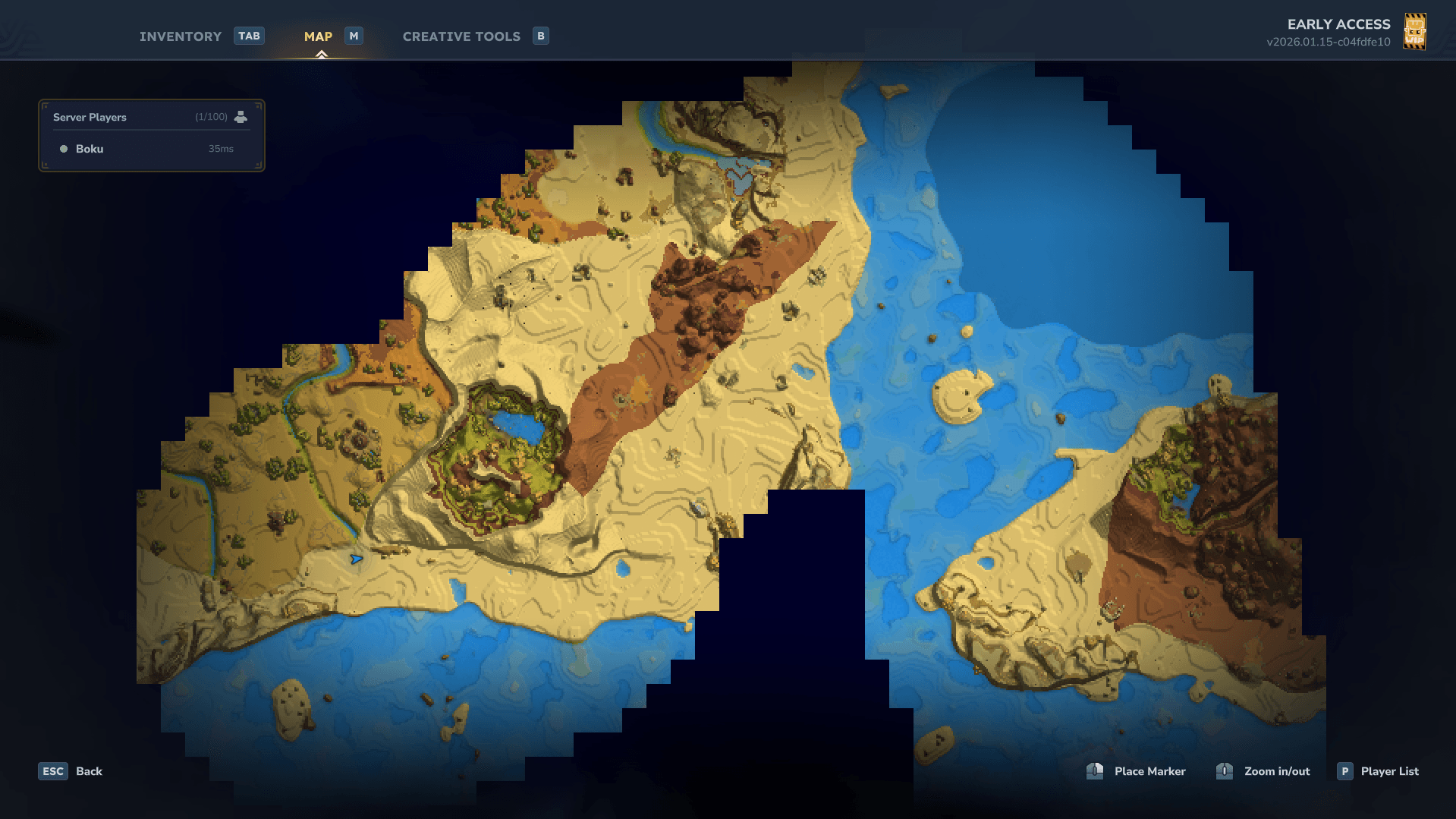
BetterMap Installation
- Head towards your Apex server panel, then click
Stopat the top. - Navigate to
Server Configuration > Modboxon the left.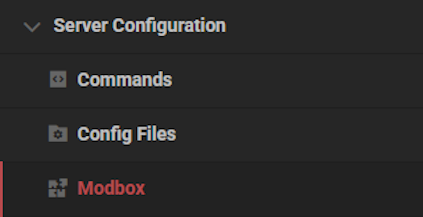
- Locate the mod via categories or the search bar, then select it.
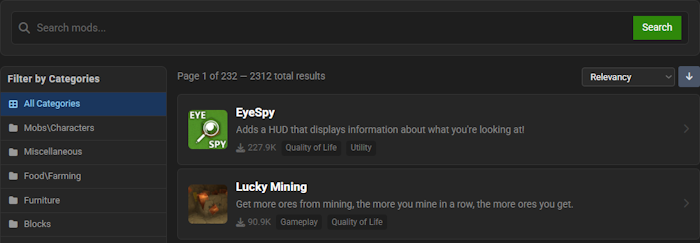
- Choose a version on the right and click
Install.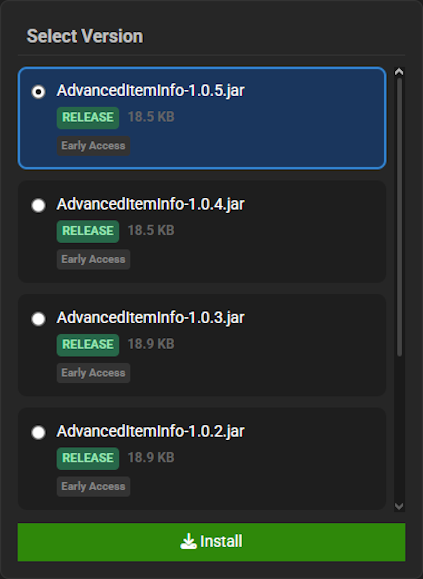
- Return to the main panel and
Startup the server to load the mod.
BetterMap Showcase
BetterMap introduces several key mechanics designed to completely overhaul how you explore and navigate your world. These tools provide unprecedented clarity and convenience for every adventurer.
Persistent Exploration
The BetterMap mod saves your exploration progress permanently, retaining all visited areas across different game sessions. This feature completely removes the “fog of war” as you travel, allowing you to build a complete and lasting picture of the world. BetterMap ensures your hard-earned discoveries are never lost.
Cave Mode
When you venture into underground areas, BetterMap automatically switches to its specialized Cave Mode to display subterranean chunks with perfect clarity. BetterMap also provides options to view the surface layer while you are mining or even enable a unique ‘Fog of War’ just for caves, giving you total control over your underground mapping.
Enhanced Waypoint System
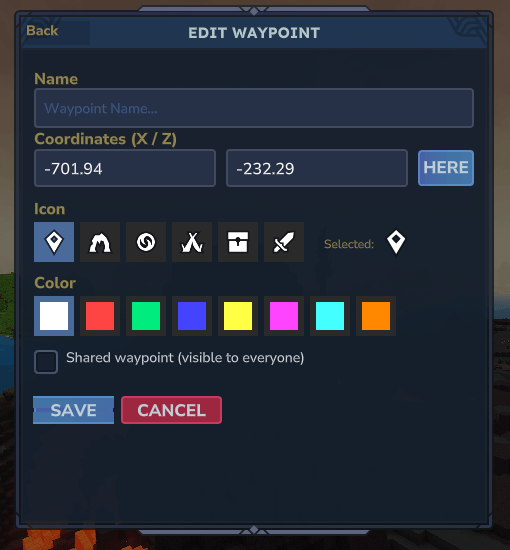
Manage your important locations with the powerful Enhanced Waypoint System in BetterMap, which includes a user-friendly menu and a ‘Here’ button for quick marking. Players with the right permissions can even teleport directly to waypoints, making travel across the world instantaneous. BetterMap streamlines coordination and personal navigation for everyone.
Linked Exploration (Shared Map)
Activate the optional Linked Exploration mode in BetterMap to allow all players on the server to contribute to a single, shared global map. With this BetterMap feature enabled, you can see areas discovered by other players in real-time, fostering a truly collaborative exploration experience.
Modded Hytale Server Hosting
BetterMap revolutionizes your Hytale exploration by providing a detailed, real-time minimap and world map. With your new mapping tools, you are now ready to uncover every secret, as Zone 1 is just the beginning. Invite your friends and prepare for an unforgettable journey!
Frequently Asked Questions
Below are frequently asked questions about setting up and configuring the BetterMap plugin.
Where is the config file and what multiplayer options are available?
The configuration file can be found after the server runs with the plugin at least once. Head towards the /plugins/BetterMap/ folder and open the config.yml file to make edits. Inside this config, you can enable the shared map feature, which is ideal for multiplayer exploration. You can also adjust settings for waypoints and teleportation permissions.
My map is causing lag. How do I improve FPS?
Performance issues or lag can often be resolved through the plugin’s configuration. Locate the config.yml file within the /plugins/BetterMap/ folder. To improve FPS, try lowering the map-quality and reducing the values for chunk-loading-settings. Also, ensure there are no compatibility conflicts with other installed plugins that may affect rendering.





















