

It’s incredibly powerful to know exactly what you’re looking at, from a block’s properties to an entity’s health, all without opening a single menu. The Hytale mod EyeSpy delivers exactly this, adding a smart, informative HUD to your screen. In this Apex Hosting guide, we’ll show you how to install EyeSpy on your Hytale server with our one-click installer 👏
EyeSpy Installation
- Head towards your Apex server panel, then click
Stopat the top. - Navigate to
Server Configuration > Modboxon the left.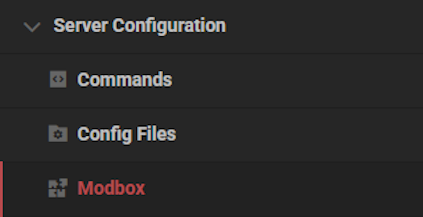
- Locate the mod via categories or the search bar, then select it.
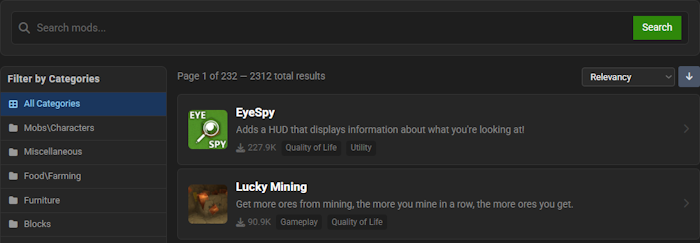
- Choose a version on the right and click
Install.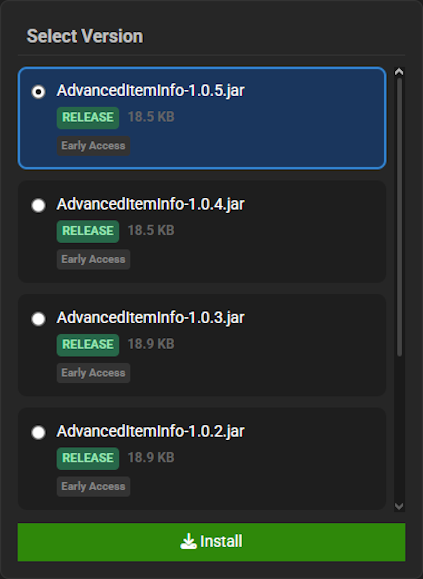
- Return to the main panel and
Startup the server to load the mod.
EyeSpy Showcase
EyeSpy revolutionizes your gameplay experience by providing crucial information directly on your screen. This powerful tool ensures you are always aware of your surroundings and the world’s objects.
Block Information
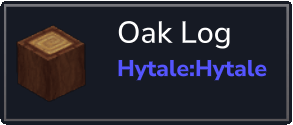
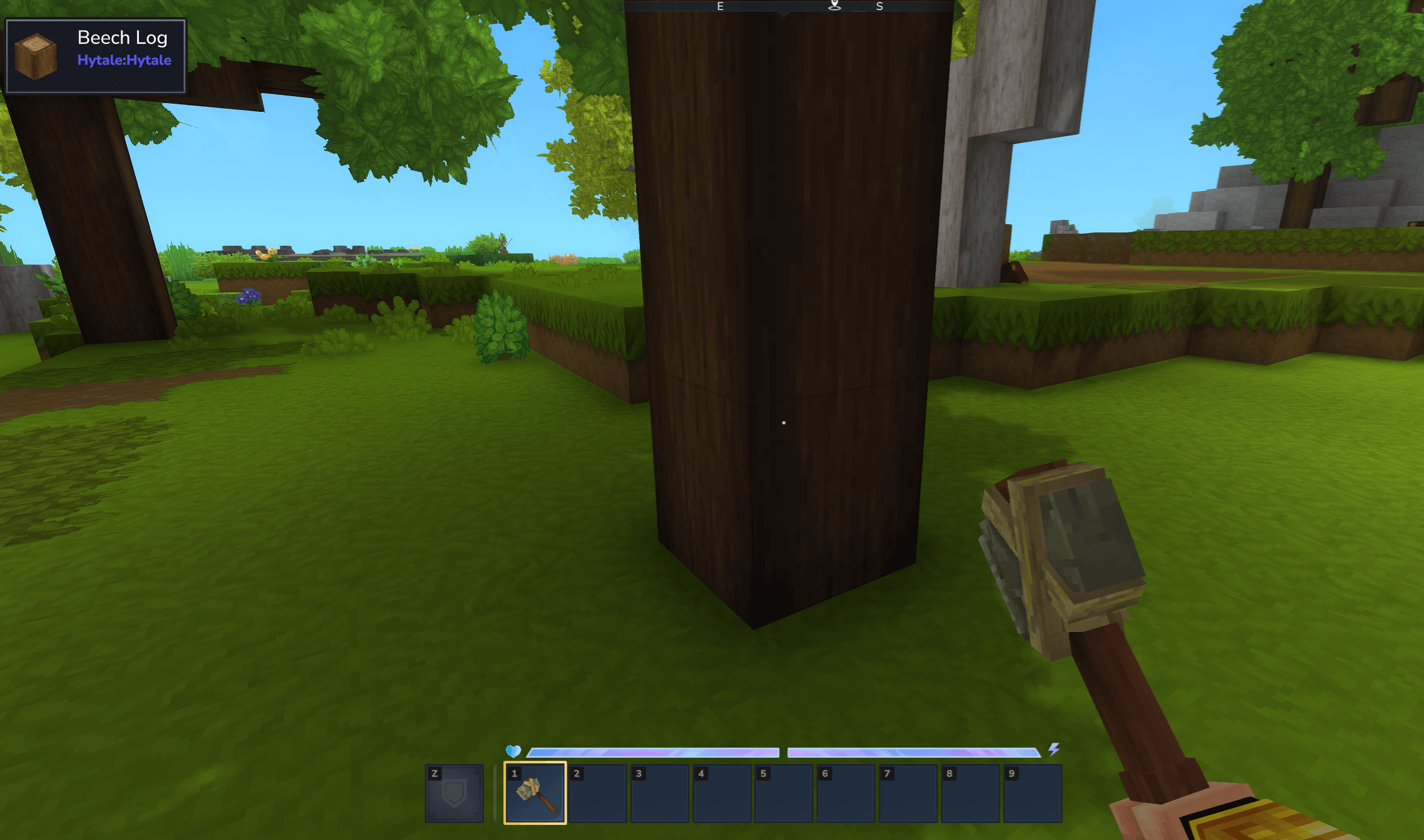
When looking at any block, EyeSpy will display its specific name and the mod it originates from. This feature is incredibly useful for identifying materials in heavily modded worlds, allowing you to quickly learn what you are looking at without opening any menus.
Entity Information
EyeSpy provides vital statistics on any entity you target, showing its name and current health points. This gives you a massive tactical advantage, letting you assess threats or check on friendly creatures from a safe distance.
Bench Tiers
Understanding your crafting capabilities is now easier than ever, as EyeSpy displays the specific tier of any crafting bench you are viewing. This eliminates guesswork and helps you quickly locate the correct station needed for your advanced recipes, streamlining your crafting progression.
Chest Inventory
With EyeSpy, you can now peek inside chests and other storage containers without having to open them. The contents of the inventory are displayed on your heads-up display, which is perfect for finding items quickly across multiple storage blocks and organizing your base more efficiently.
Modded Hytale Server Hosting
EyeSpy transforms your Hytale server by introducing a menagerie of unique mobs and formidable bosses to discover. The wonders of Zone 1 are just the beginning, as new adventures await across all the lands of Orbis. Invite your friends and prepare for an unforgettable journey!
Frequently Asked Questions
Below are frequently asked questions regarding the EyeSpy informational display mod.
How do I install EyeSpy for multiplayer?
EyeSpy is a client-side mod and only needs to be installed by players who wish to use it. You can also install the mod on your Hytale server. If installed server-side, any changes to the config file on the server will automatically sync to all players, ensuring a consistent multiplayer experience.
How do I configure the EyeSpy HUD?
To change what information the HUD displays, you will need to edit the mod’s settings. Navigate to your Hytale installation folder and locate the `/config/` directory. Open the `eyespy.json` file with any text editor. In this file, you can adjust all features. For best results on your Hytale server, configure the file there to sync it to all players.
Is EyeSpy causing lag or FPS drops?
EyeSpy is optimized for performance and should not cause noticeable lag or FPS issues. The mod has excellent compatibility with other Hytale mods. If you are experiencing performance problems, first try disabling more demanding features in the EyeSpy config, like the chest inventory display, before troubleshooting other potential causes.





















