

Adding a fully fleshed-out RPG skill system to your server can transform the entire experience, but customizing it often requires digging through complicated config files. That’s where the MMO Skill Tree mod for Hytale comes in, offering a fully customizable RPG progression system with a comprehensive visual admin dashboard that lets you change almost everything on the fly. In this Apex Hosting guide, we’ll show you how to install MMO Skill Tree on your Hytale server with our one-click installer 👏
MMO Skill Tree Installation
- Head towards your Apex server panel, then click
Stopat the top. - Navigate to
Server Configuration > Modboxon the left.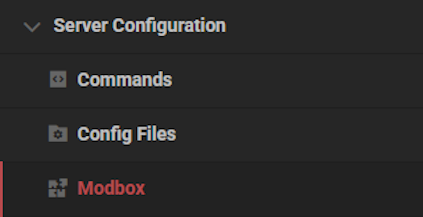
- Locate the mod via categories or the search bar, then select it.
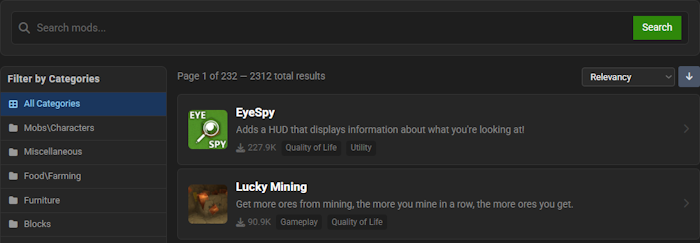
- Choose a version on the right and click
Install.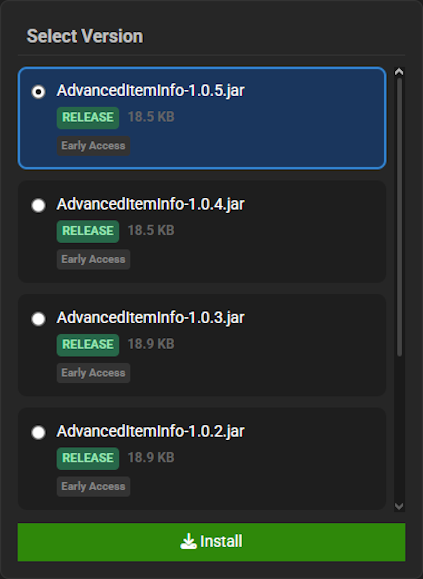
- Return to the main panel and
Startup the server to load the mod.
MMO Skill Tree Showcase
This mod introduces several key mechanics that transform your world into a full-fledged role-playing experience. These features provide deep progression, challenging combat, and endless adventure.
25 Skills & Skill Trees
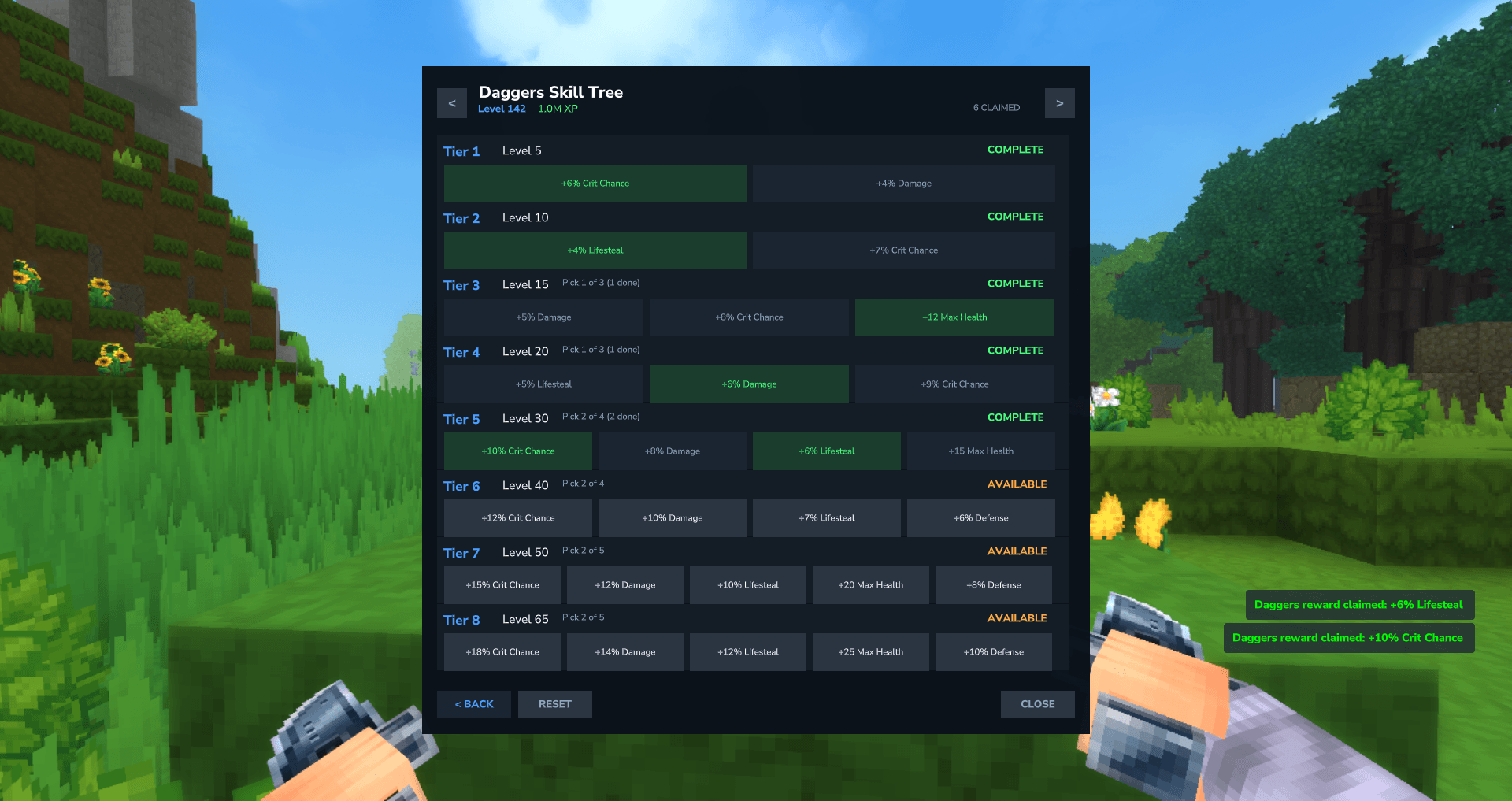
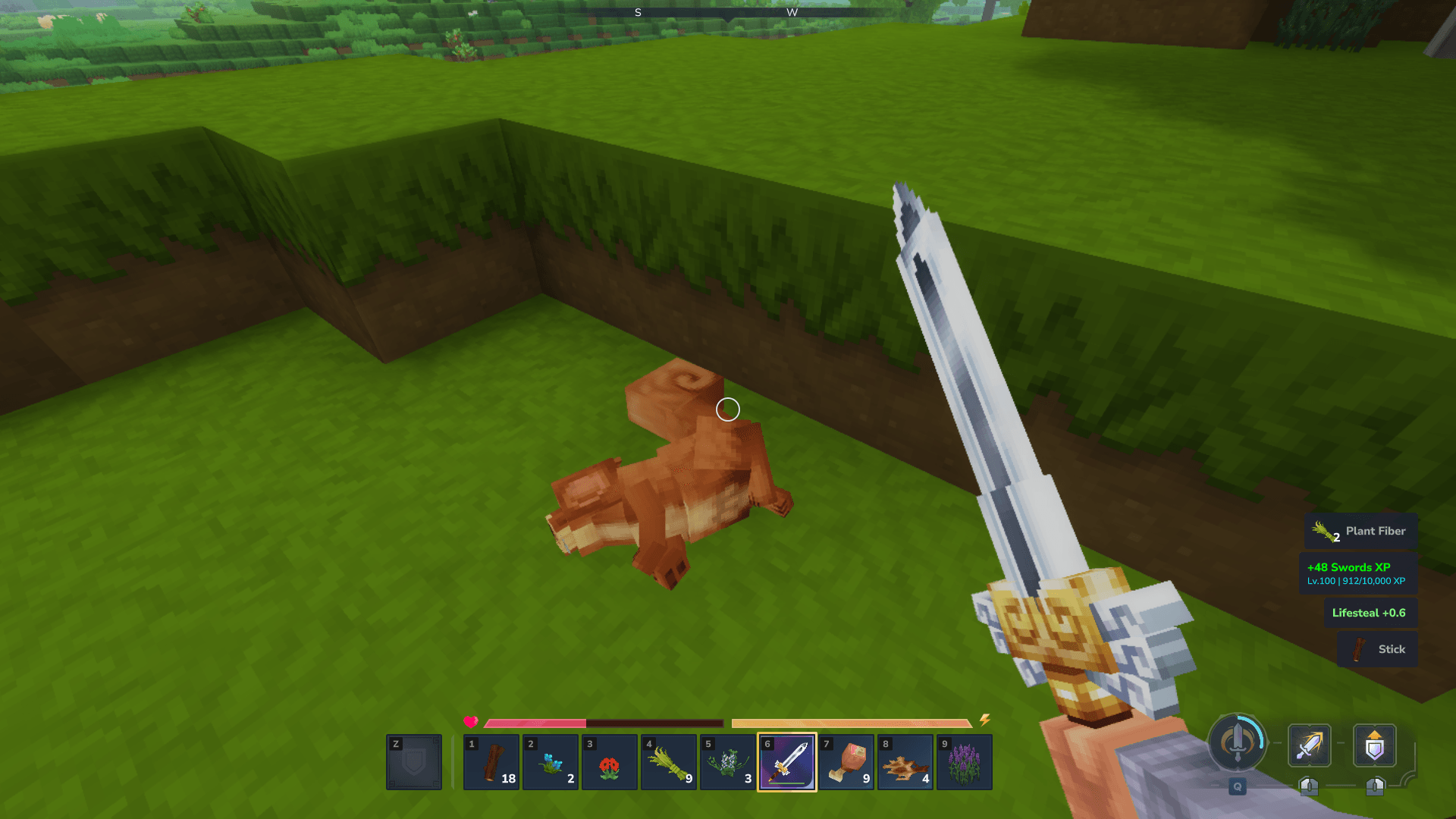
The MMO Skill Tree mod revolutionizes progression with 25 distinct skills across Gathering, Combat, and Crafting categories. As you gain levels in each skill, you unlock choices in a reward tree, offering powerful bonuses like increased damage, extra health, and better luck. This system in the MMO Skill Tree mod allows for unparalleled character specialization and growth.
Quests
Create your own epic adventures with the robust, data-driven quest system included in the MMO Skill Tree mod. This feature supports eight objective types, branching prerequisites, and repeatable cooldowns, all configurable for a unique player experience. With the MMO Skill Tree mod, you can build an engaging narrative complete with custom rewards.
Elite Hostile Mobs
Combat becomes far more dangerous and exciting with the elite hostile mobs from the MMO Skill Tree mod. Creatures now have a configurable chance to spawn as Rare, Elite, or Legendary variants with significantly boosted health and damage. This challenging addition from the MMO Skill Tree mod ensures the world remains a threat even for high-level players.
Item Level Requirements
The MMO Skill Tree mod adds a tangible sense of progression by allowing you to lock items behind level requirements. You can restrict the use of powerful weapons, armor, and even blocks until a player reaches a specific skill level or total level. This feature within the MMO Skill Tree mod provides a powerful incentive for players to advance their characters.
Modded Hytale Server Hosting
MMO Skill Tree enhances your Hytale server by introducing a deep and rewarding character progression system. The world of Orbis is vast, and your adventure has just begun. Invite your friends and prepare for an unforgettable journey!
Frequently Asked Questions
Below are frequently asked questions about the gameplay and configuration of the MMO Skill Tree.
How do I reset my skill tree rewards?
To change your choices in the MMO Skill Tree, you must use a Skill Tree reset Scroll. This is a consumable item that, upon use, will reset all of your skill tree reward selections. This allows you to pick new rewards for your build. Your current levels and XP are preserved during this process.
Are there special or more difficult mobs in this mod?
Yes, the mod features an Elite Hostile Mobs system. This system gives hostile mobs a chance to spawn as more powerful “elite” versions with boosted health and damage. There are three default tiers: Rare, Elite, and Legendary. Server owners must enable this feature from the Admin Dashboard, as it is turned off by default.
Can I prevent players from using high-level gear?
Yes, server owners can lock items, weapons, and blocks behind specific skill level requirements. If this feature is enabled, a player cannot use a tool, wield a weapon, or mine a block until they meet the required skill level. This system is disabled by default and must be activated by an admin. To set up these restrictions, locate the admin dashboard.






















