

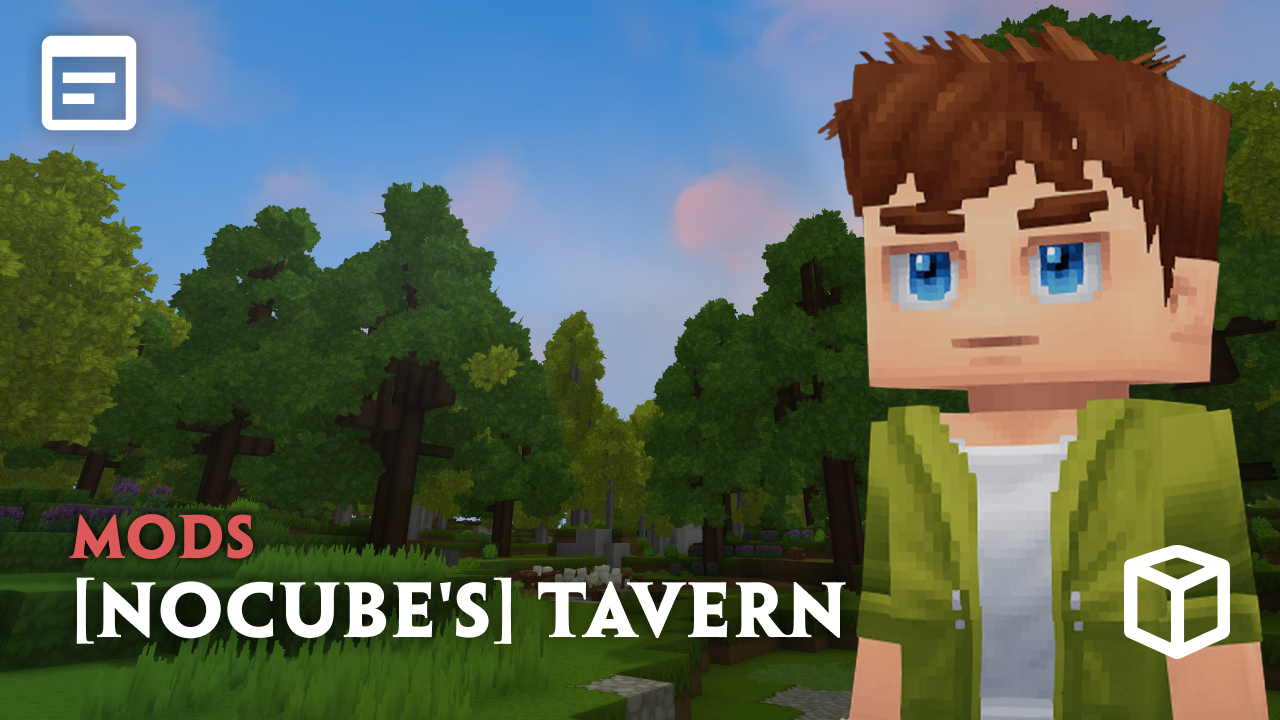
After a long day of adventuring, there’s nothing better than settling into your own tavern, aging artisan drinks in a cask to improve their quality and gain even better buffs over time. The [NoCube’s] Tavern Hytale mod allows you to master the art of beverage making and decorate your own unique establishment. In this Apex Hosting guide, we’ll show you how to install [NoCube’s] Tavern on your Hytale server with our one-click installer 👏
![[NoCube's] Tavern Gameplay 1](https://cdn.apexminecrafthosting.com/img/uploads/2026/03/16093853/tavern-png.png)
[NoCube’s] Tavern Installation
- Head towards your Apex server panel, then click
Stopat the top. - Navigate to
Server Configuration > Modboxon the left.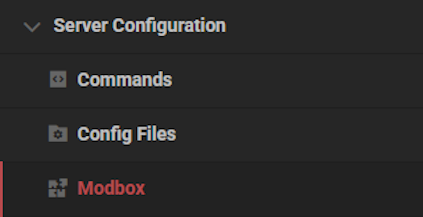
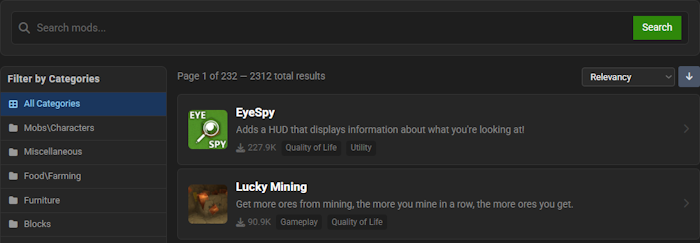
- Locate the mod via categories or the search bar, then select it.
- Choose a version on the right and click
Install.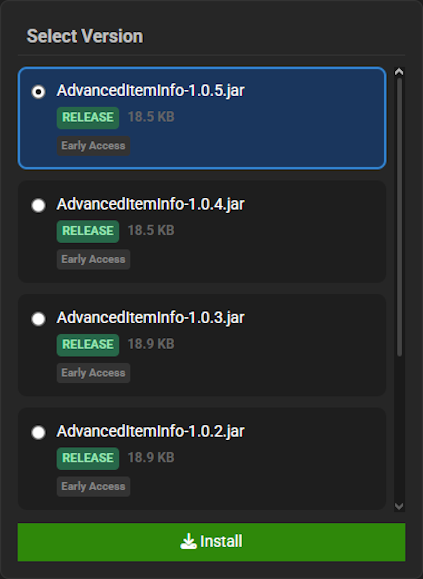
- Return to the main panel and
Startup the server to load the mod.
[NoCube’s] Tavern Showcase
This mod introduces several key mechanics that will revolutionize your world’s culinary and agricultural systems. Get ready to build your very own pub from the ground up.
Hop Bines
Navigate to the Farmer’s Workbench to obtain Hop Bines, a versatile new plant that grows directly on walls. The [NoCube’s] Tavern mod allows you to use these bines for a rustic aesthetic or harvest them to gather essential ingredients for the brewing process. This adds a new layer to your farming, providing both decoration and function for your burgeoning establishment.
Brewing Station
The Brewing Station is a new block dedicated to turning your harvested ingredients into the unfermented base known as wort. With [NoCube’s] Tavern, you can upgrade this station to improve its efficiency, which is essential for creating higher-quality beverages for your patrons. This station is the heart of your entire brewing operation.
Keg
The Keg is where the magic truly happens, fermenting wort with Brewing Yeast to produce a variety of finished drinks. Using ingredients like wheat, apples, or rice, [NoCube’s] Tavern enables you to craft everything from Beer and Ale to Cider and Sake. Stock your establishment with these barrels to serve a wide selection of beverages.
Modded Hytale Server Hosting
[NoCube’s] Tavern provides the ultimate social hub for you and your fellow adventurers to gather, trade, and prepare for your quests. Invite your friends and prepare for an unforgettable journey!
Frequently Asked Questions
Below are frequently asked questions about the gameplay features in [NoCube’s] Tavern.
How do I start brewing beverages?
To begin, you will need to use the Brewing Station. This station is used to turn your harvest into wort. At first, you can only make Rough Wine and Village Beer. By upgrading your Cauldron and using better ingredients, you will be able to create better beverages.
How do I ferment different types of drinks like Ale or Cider?
To ferment Beer, Ale, Cider, and Sake, you must use a Keg. Navigate to the Keg and add your wort. You will need to add 10 of the required ingredient, such as wheat, rice, apples, or hops, and then add Brewing Yeast to the special slot to start the process.
How can I improve my drinks after brewing?
To improve a drink’s quality and attributes, you must use the Aging Cask. Locate the Aging Cask and place your artisan wine inside of it. Leaving it here for a long time will result in a high-quality drink that can provide serious support on your adventures.






















