

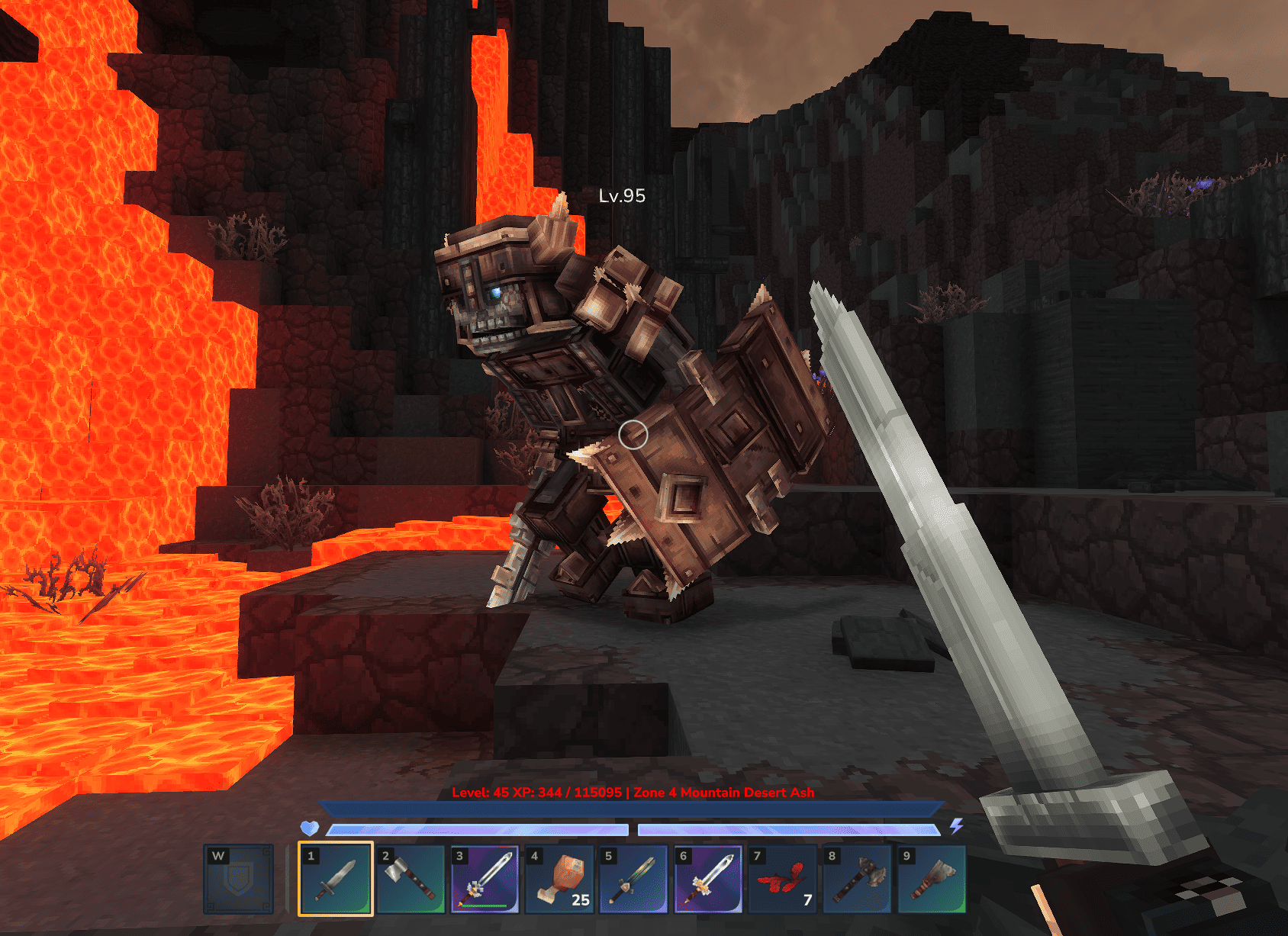
Knowing whether a new zone is a perfect challenge or an instant deathtrap is a game-changer for any RPG fan. The RPG Leveling And Stats/Skills Hytale mod delivers exactly that, adding a complete leveling system with a brilliant color-coded HUD to visually guide you to the perfect difficulty. In this Apex Hosting guide, we’ll show you how to install RPG Leveling And Stats/Skills on your Hytale server with our one-click installer 👏
RPG Leveling And Stats/Skills Installation
- Head towards your Apex server panel, then click
Stopat the top. - Navigate to
Server Configuration > Modboxon the left.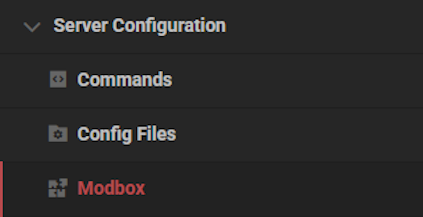
- Locate the mod via categories or the search bar, then select it.
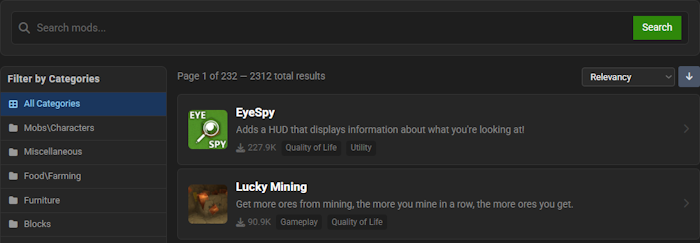
- Choose a version on the right and click
Install.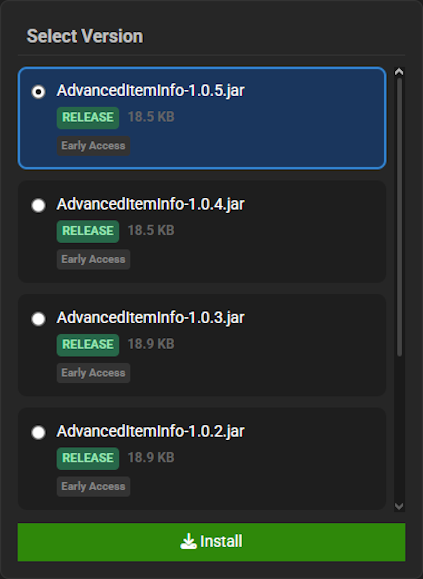
- Return to the main panel and
Startup the server to load the mod.
RPG Leveling And Stats/Skills Showcase
RPG Leveling And Stats/Skills completely overhauls your world, transforming it into a dynamic role-playing adventure. This mod introduces several key mechanics that change how you approach progression, combat, and exploration.
Leveling & XP System
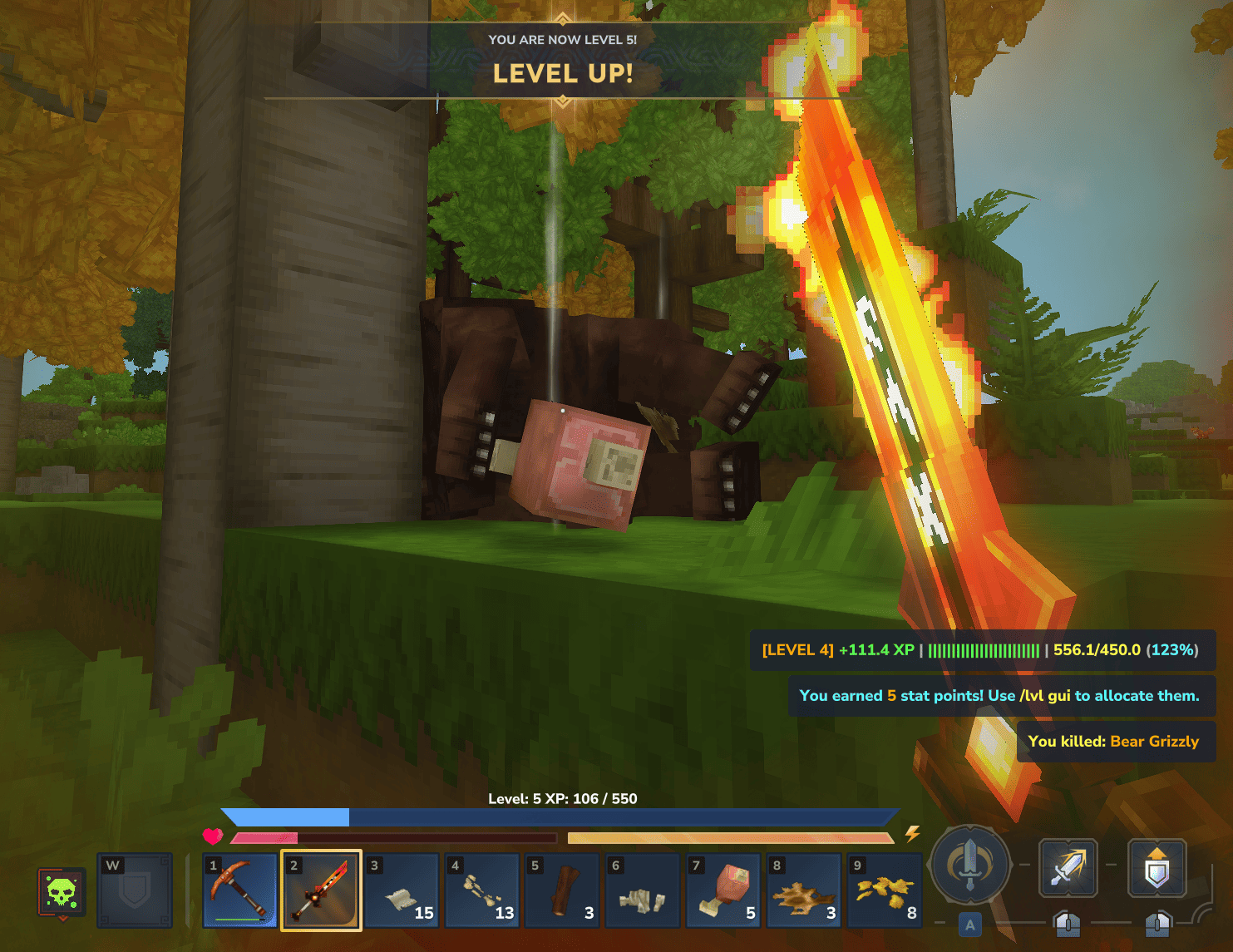
RPG Leveling And Stats/Skills adds a comprehensive leveling system where you gain experience from defeating monsters, mining valuable ores, and chopping wood. The amount of XP gained is intelligently scaled, encouraging you to engage with content appropriate for your current level. This ensures a balanced and rewarding progression curve throughout your journey.
Customizable Player Stats
As you level up, RPG Leveling And Stats/Skills grants you points to invest in a wide array of character statistics. You can customize your build by boosting attributes like Damage, Defense, Health, and even specialized skills like Mining and Woodcutting. Server owners have full control to configure or even disable specific stats to tailor the experience perfectly.
Zones & Difficulty Scaling
The world is now a more dangerous and structured place with the RPG Leveling And Stats/Skills mod’s zone system. Different regions have set level ranges, and your HUD will indicate your current zone and how well it matches your level, guiding you to appropriate challenges. Monsters also scale in power based on their level and the server’s difficulty preset, creating a consistently engaging experience.
Advanced Admin Configuration
RPG Leveling And Stats/Skills provides unparalleled control for server administrators through powerful commands and deep configuration options. Admins can directly modify player levels, experience, and points, even for those who are offline. Extensive JSON files allow for the customization of nearly every aspect, from entity-specific overrides for bosses to toggling major features.
Multiplayer & Mod Integration
Enhance your community experience with the robust multiplayer features included in RPG Leveling And Stats/Skills. Compete for the top spot on a server-wide leaderboard, enable optional XP rewards from player-versus-player combat, and sync all player data to an external database for persistence. Furthermore, its public API and compatibility with party mods allow for seamless integration with other additions to your server.
Modded Hytale Server Hosting
RPG Leveling And Stats/Skills completely transforms your Hytale server by adding deep character progression and a true sense of adventure. You are now equipped with the knowledge to start your epic, but remember that Zone 1 is just the beginning. Invite your friends and prepare for an unforgettable journey!
Frequently Asked Questions
Below are frequently asked questions about the gameplay and configuration features in RPG Leveling And Stats/Skills.
How do I allocate my stat points?
To spend your stat points, use the /lvl gui command in-game. This opens the stats management GUI where you can allocate points to your preferred stats, view your current stats, and access the server leaderboard.
How can I adjust the server’s difficulty settings?
You can change the difficulty preset by editing the configuration file. Navigate to the mods/Zuxaw_RPGLeveling/ directory and locate the RPGLevelingConfig.json file. Within this file, you can set the server-wide difficulty to Easy, Normal, Hard, or Extreme, which adjusts how strong the level-gap penalties are.
Why am I getting less XP from some monsters?
This mod uses a level-difference multiplier for XP gains. You receive the best XP rewards when fighting monsters that are close to your own level. If a monster is much easier or much harder than you, you will receive heavily penalized XP. The HUD shows your current zone name and a color to help you know if you are in the right place.





















