

Exploring the vast, blocky world on foot gets old fast, and finding the perfect companion to ride into battle can be a real grind in most RPGs. The Hytale mod Traveling Mounts completely solves this problem, introducing a massive collection of craftable creature mounts that you can unpack and ride instantly! In this Apex Hosting guide, we’ll show you how to install Traveling Mounts on your Hytale server with our one-click installer 👏
Traveling Mounts Installation
- Head towards your Apex server panel, then click
Stopat the top. - Navigate to
Server Configuration > Modboxon the left.
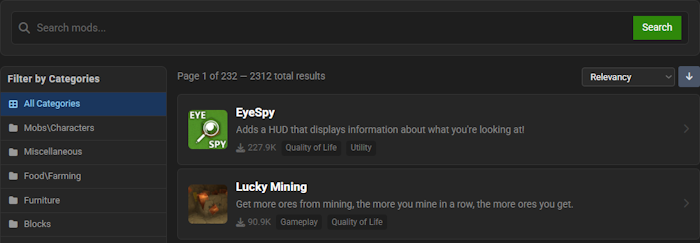
- Locate the mod via categories or the search bar, then select it.
- Choose a version on the right and click
Install.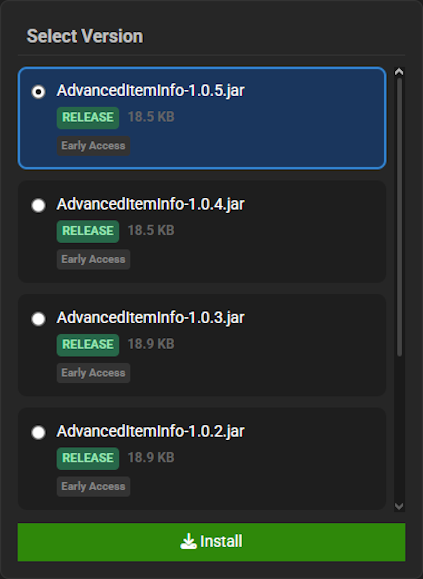
- Return to the main panel and
Startup the server to load the mod.
Traveling Mounts Showcase
This mod introduces several key mechanics that will revolutionize your world exploration and traversal. Prepare to discover, craft, and ride a fantastic collection of new companions.
Companion Mounts
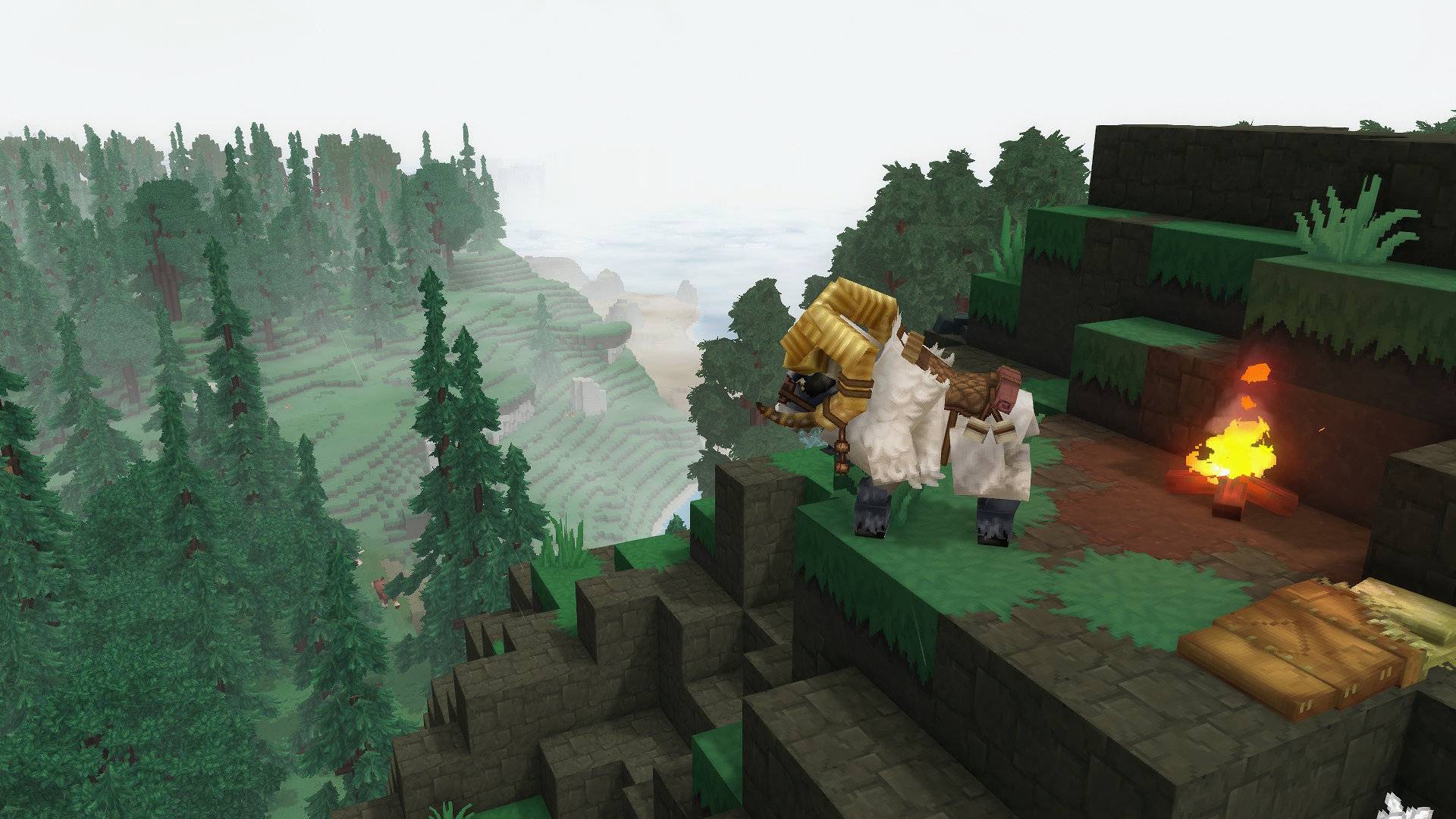
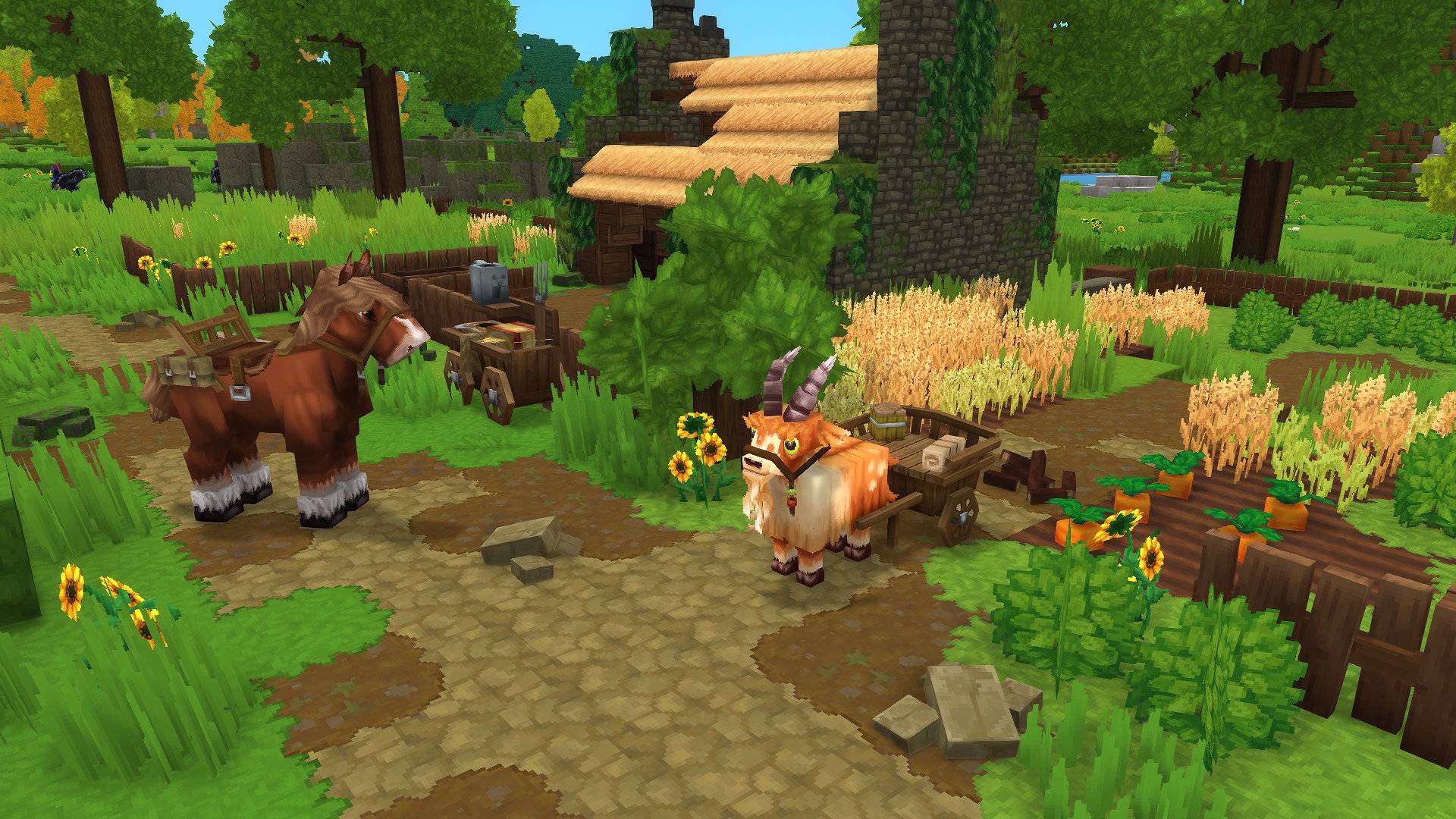
The Traveling Mounts mod populates your world with a massive variety of unique companions based on enhanced creatures, including tamed versions of normally hostile mobs. You can ride, feed, and interact with each one, making traversal across the land an entirely new experience. This feature from Traveling Mounts ensures you always have a powerful ally by your side.
Mount Crates
To obtain these new creatures in Traveling Mounts, you must first craft a special, non-stackable mount crate item. Simply right-click with this crate on the ground to unpack your brand new mount, making it ready for adventure. The Traveling Mounts mod uses this system to make acquiring companions a deliberate and rewarding action.
Crafting Mounts
Creating these powerful items requires you to navigate to specialized workbenches introduced by the Traveling Mounts mod. Head towards the Farmer’s Workbench to craft crates for standard mounts across three tiers. For the most powerful tamed hostile mounts in Traveling Mounts, you must locate and use the Arcanist’s Workbench.
Modded Hytale Server Hosting
“Traveling Mounts” revolutionizes your Hytale adventures by providing a diverse collection of creatures to ride across the world. Zone 1 is just the beginning of your travels. Invite your friends and prepare for an unforgettable journey!
Frequently Asked Questions
Below are frequently asked questions about the gameplay features in Traveling Mounts.
How do I craft the various Traveling Mounts?
All Traveling Mounts are created as mount crates from different workbenches. To get started, navigate to a Farmer’s Workbench to craft the Goat Mount and Horse Mount. For Horses with colored cloths and the Ram Mount, you will need to locate a Farmer’s Workbench tier 2. The Antelope Wagon requires a Farmer’s Workbench tier 3.
For tamed hostile Traveling Mounts, head towards an Arcanist’s Workbench. Once you have crafted the desired mount crate, hold it in your hand and right-click on the ground to unpack your new companion.
How do I use my mount’s inventory?
Traveling Mounts feature an experimental inventory system. This is not a standard chest interface. To store an item, simply drop it onto your mount. To retrieve a specific item from your mount’s storage, hold an identical item in your hand to collect it back from the mount.
What should I do if my Traveling Mount gets stuck?
Traveling Mounts have a few known issues. If a mount stops following you, its pathfinding may have frozen; simply mount it, move a short distance, and it should begin following you again. If your mount stops moving forward, press the backwards key or jump to resolve it.
Be aware that mounts can get stuck inside walls or other solid blocks, especially in tight areas like caves. If this happens, try to turn away from the wall and move forward. In some cases, this can cause you to be pushed backward into the landscape. It is best to use your Traveling Mounts in open spaces.





















