

Instantly teleporting back to the safety of your respawn point with a single key press is a magical game-changer. The Wayback Charm mod for Hytale makes this possible, adding a powerful magical charm to your inventory. In this Apex Hosting guide, we’ll show you how to install Wayback Charm on your Hytale server with our one-click installer 👏
Wayback Charm Installation
- Head towards your Apex server panel, then click
Stopat the top. - Navigate to
Server Configuration > Modboxon the left.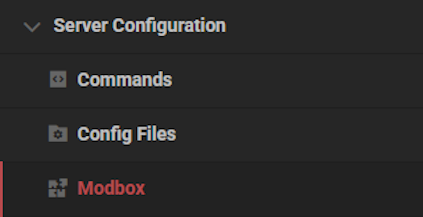
- Locate the mod via categories or the search bar, then select it.
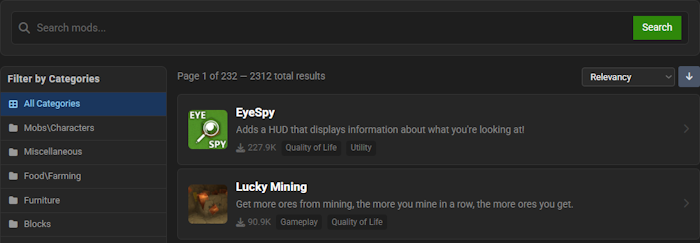
- Choose a version on the right and click
Install.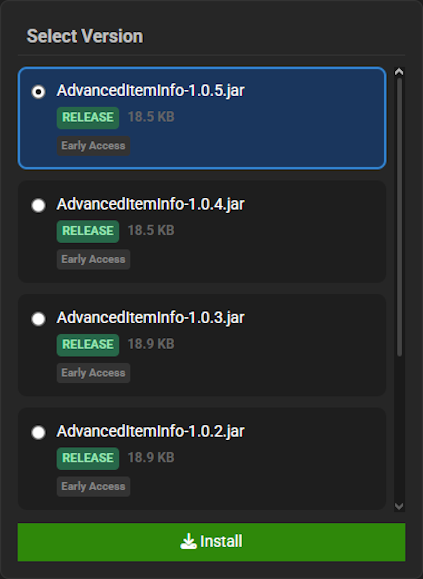
- Return to the main panel and
Startup the server to load the mod.
Wayback Charm Showcase
The Wayback Charm introduces a powerful new utility item that will revolutionize how you traverse the world. Explore its key features to master your new teleportation abilities.
Instant Teleportation
By holding the item and pressing the use key, the Wayback Charm instantly teleports you to your designated respawn point. This provides an unparalleled method for escaping danger or quickly returning home after a long journey. Using the Wayback Charm is the ultimate tool for rapid traversal.
Accessible Crafting
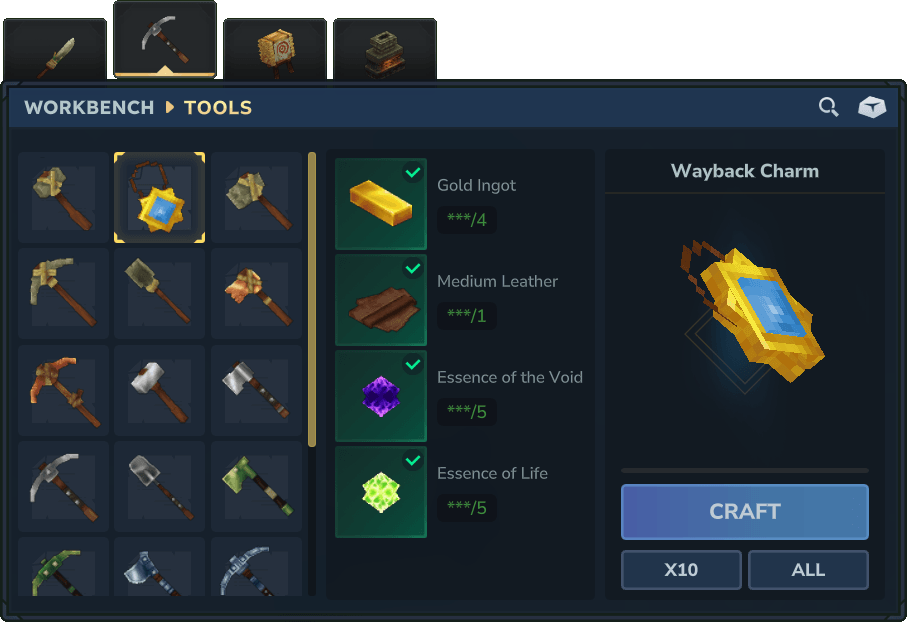
Players can craft their own Wayback Charm after they head towards a Tier 2 workbench with the required materials. This makes the powerful teleportation ability accessible during the mid-game, allowing you to use your Wayback Charm for the majority of your adventure.
Failsafe System
In the event you do not have a valid respawn point set, the Wayback Charm will instead teleport you to the world’s original spawn point. This brilliant failsafe ensures you are never truly lost, as the Wayback Charm always provides a guaranteed safe destination.
Spellbook Integration
To use this new item, your server MUST have the Spellbook plugin installed and enabled. The Wayback Charm is designed to work seamlessly within the Spellbook framework, adding a new layer of utility to its powerful systems.
Modded Hytale Server Hosting
Wayback Charm offers an invaluable safety net, allowing you to explore the world of Hytale without the fear of losing your items. Zone 1 is just the beginning. Invite your friends and prepare for an unforgettable journey!
Frequently Asked Questions
Below are frequently asked questions about the gameplay features of Wayback Charm.
Why is the Wayback Charm not working?
Make sure you installed the Spellbook plugin installed as it is dependend on it to work correctly.
How do I use the Wayback Charm?
To activate the Wayback Charm, hold the item in your hand and press the use key, which is F by default. This will teleport you to your spawn point.
Where will the Wayback Charm teleport me?
The charm sends you to the nearest respawn point, which is created by using blocks like beds. If you do not have a respawn location, or the one you have is invalid, you will be sent to the world spawn point instead.
How can I craft a Wayback Charm?
To create the item, build a Tier 2 workbench. The Wayback Charm can be crafted there.





















