


Juggling an arsenal of weapons from multiple Hytale mods can be overwhelming, especially when trying to figure out which sword or axe truly deals the most damage. This is where the Weapon Stats Viewer mod comes in, instantly displaying detailed stats, damage numbers, and rarities for every weapon in your inventory, even those from other mods! In this Apex Hosting guide, we’ll show you how to install Weapon Stats Viewer on your Hytale server with our one-click installer 👏
Weapon Stats Viewer Installation
- Head towards your Apex server panel, then click
Stopat the top. - Navigate to
Server Configuration > Modboxon the left.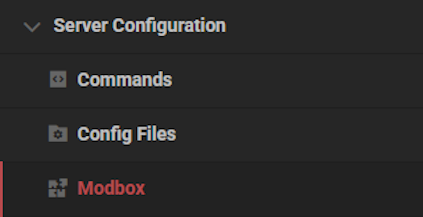
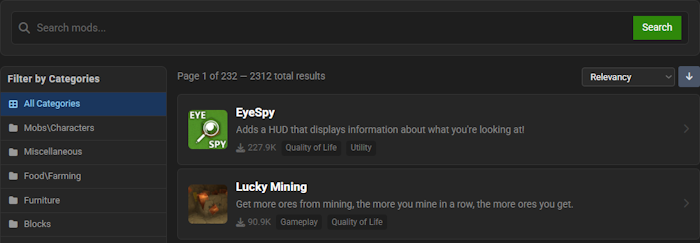
- Locate the mod via categories or the search bar, then select it.
- Choose a version on the right and click
Install.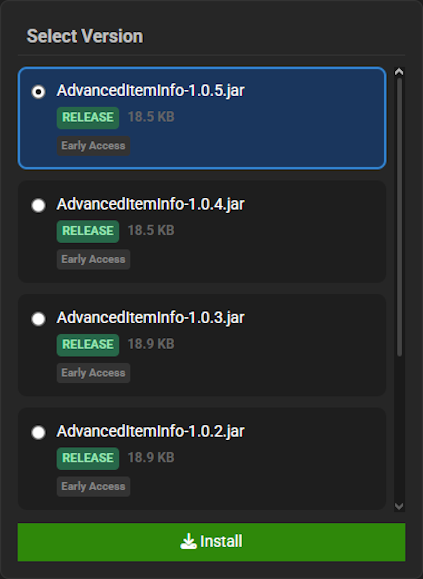
- Return to the main panel and
Startup the server to load the mod.
Weapon Stats Viewer Showcase
Weapon Stats Viewer revolutionizes your combat knowledge by providing detailed insights and easy-to-access information about your entire arsenal. This addition introduces several key features that change how you evaluate and choose your armaments for any fight.
Interactive Weapon Browser
The Interactive Weapon Browser provides a custom user interface, opened with the /weapons command, that displays all armaments as organized cards. With the Weapon Stats Viewer, you can utilize a powerful search bar to filter by name, material, or type, making it incredibly simple to find the exact data you need.
In-Game Stat Tooltips
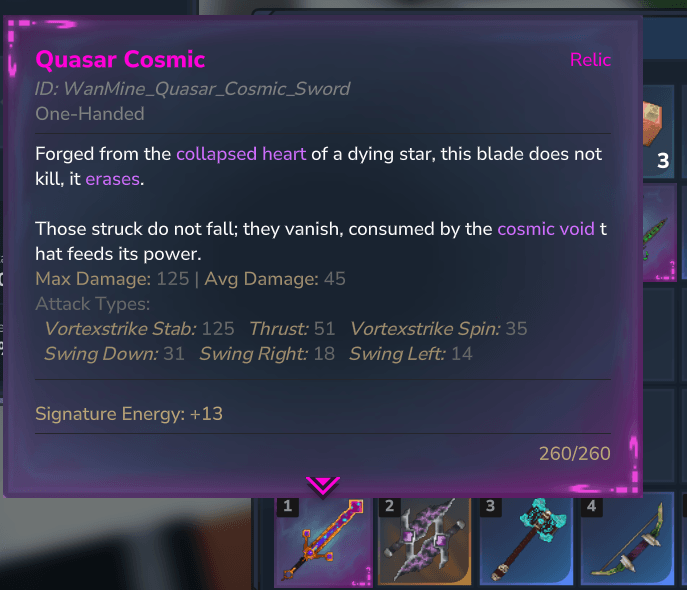
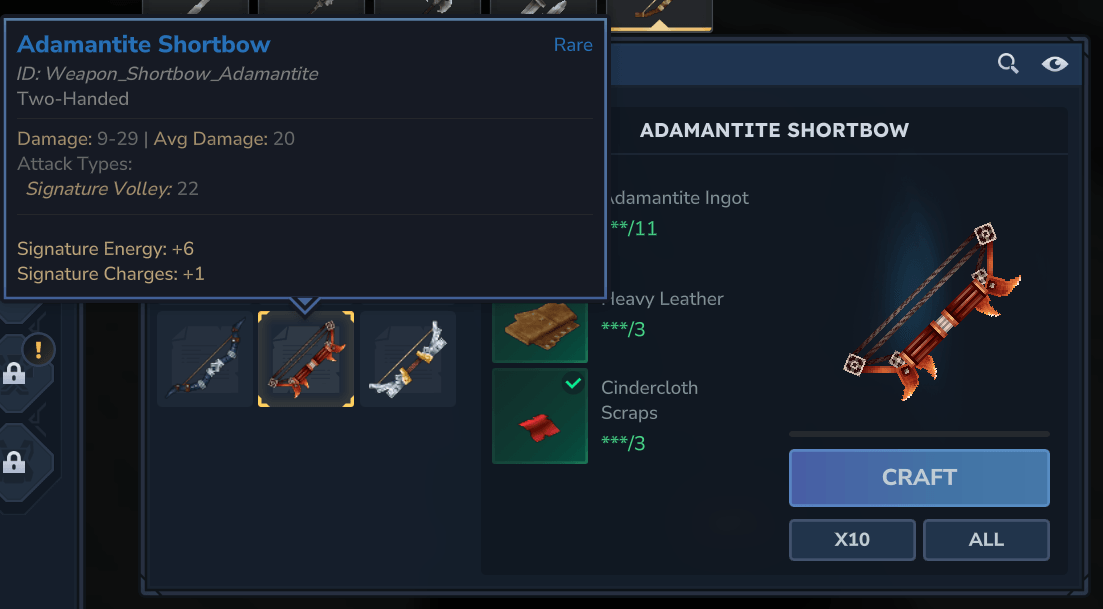
Gain immediate access to crucial data with In-Game Stat Tooltips that appear when you hover over items in your inventory or the Blacksmith’s Anvil. The Weapon Stats Viewer conveniently displays weapon damage statistics, level requirements, quality, and durability, allowing for quick and informed decisions.
Universal Mod Compatibility
Achieve Universal Mod Compatibility, as the system automatically identifies and displays statistics for weapons added by other installed mods. The Weapon Stats Viewer ensures you always have access to vital damage information for items from packs like Reforged Weapons and Wans Wonder Weapons, all in one place.
Modded Hytale Server Hosting
Weapon Stats Viewer provides the crucial data needed to choose the perfect weapon for any encounter, ensuring you are always prepared for battle.
With this powerful information at your fingertips, adventure awaits across the vast world of Hytale. You are now ready to face any challenge that comes your way.
Invite your friends and prepare for an unforgettable journey
Frequently Asked Questions
Below are frequently asked questions about the gameplay features in the Weapon Stats Viewer mod.
How do I open the weapon browser?
To access the custom user interface, head towards your chat window and enter the /weapons command. This will open the interactive weapon browser, which is enabled for all players by default.
Where can I view weapon statistics?
You can locate detailed weapon stats in multiple areas. The primary method is the custom browser opened with the /weapons command. Additionally, you can see damage statistics and attack types simply by hovering over weapons in your player inventory or within the Blacksmith’s Anvil tooltips.
How do I restrict access to the weapon browser?
As a server operator, you can manage who can use the browser. Navigate to your chat and use the /weaponsadmin public false command to disable access for non-operators. To re-enable it for all players, use the command /weaponsadmin public true.





















