


Setup Time: 5 Mins
Setup Difficulty: Easy
Players: 1+
Overview
Sometimes, survival is just too time consuming to fully enjoy, or you might not have a ton of time on your hands. Minigames are a great, fast paced way to have fun with your friends. Very similar to servers like Hypixel and Mineplex, you’ll be thrust into this game for short, session-based fun! They’re a good shift from the normal Minecraft experience. Introducing… Paintball! A simple and fun gamemode based on the fairly popular real-life alternative. You have a gun, it shoots paint (in this case… blocks) with the goal of targeting players on the enemy team. You’ll run through an assortment of maps with different gun types that you can utilize to paint the competition into submission. Rack up kills, and bring your team to the top!
Here at Apex Hosting, the installation of the PaintBall game type is as easy as selecting the game type from the drop down bar on your Multicraft Control panel! Once you’ve selected it simply restart your server and you’ll be good to go and ready to play Paintball!
How to install:
- Navigate to your Apex Server panel.
- Stop your server.
- In the JAR File list pick Paintball (premade) and you will see a pop-up.
- Select Change version.
- Select Create a new world.
- Click Restart now.
- Done! Now just load up Minecraft and join your server to start playing Paintball.
- Sniper: Shoots straight, no shot-drop.
- Rocket Launcher: On impact, multiple snowballs fire out for area damage.
- Shotgun: – 3 snowballs fire out in random directions.
- Minigun: – High fire rate with low accuracy.
- Admin: Fire Rate of minigun with accuracy of sniper. Lightning strikes when a player is in the arena. Player holding this weapon does not have to be part of the arena.
- Member – Everyone is a Member by default. Members can play games, but cannot edit them, and have no extra permissions.
- Mod – Mods can kick, ban and mute players. They cannot edit maps
- Admin/Owner – Has all permissions.
How to Use Paintball
Getting Started
Once you join an arena, you teleport to the lobby spawn and wait for the game to start. You have multiple wool blocks at the bottom with different colors, along with a ‘leave’ bed. Scroll over the wool blocks to see what type of weapon is associated with the block. Right click the block to choose that weapon. Right click the bed to leave at any time.
One Hit, One Kill.
During the game, you’re randomly placed on red or blue and transported to a random spawn point of your respective team and placed in full armor with the color of your team. Right click to shoot your “paintball gun” at the enemy team. Once they’re hit they’re teleported back to their spawn and you get a kill.
The Weapons
Maps
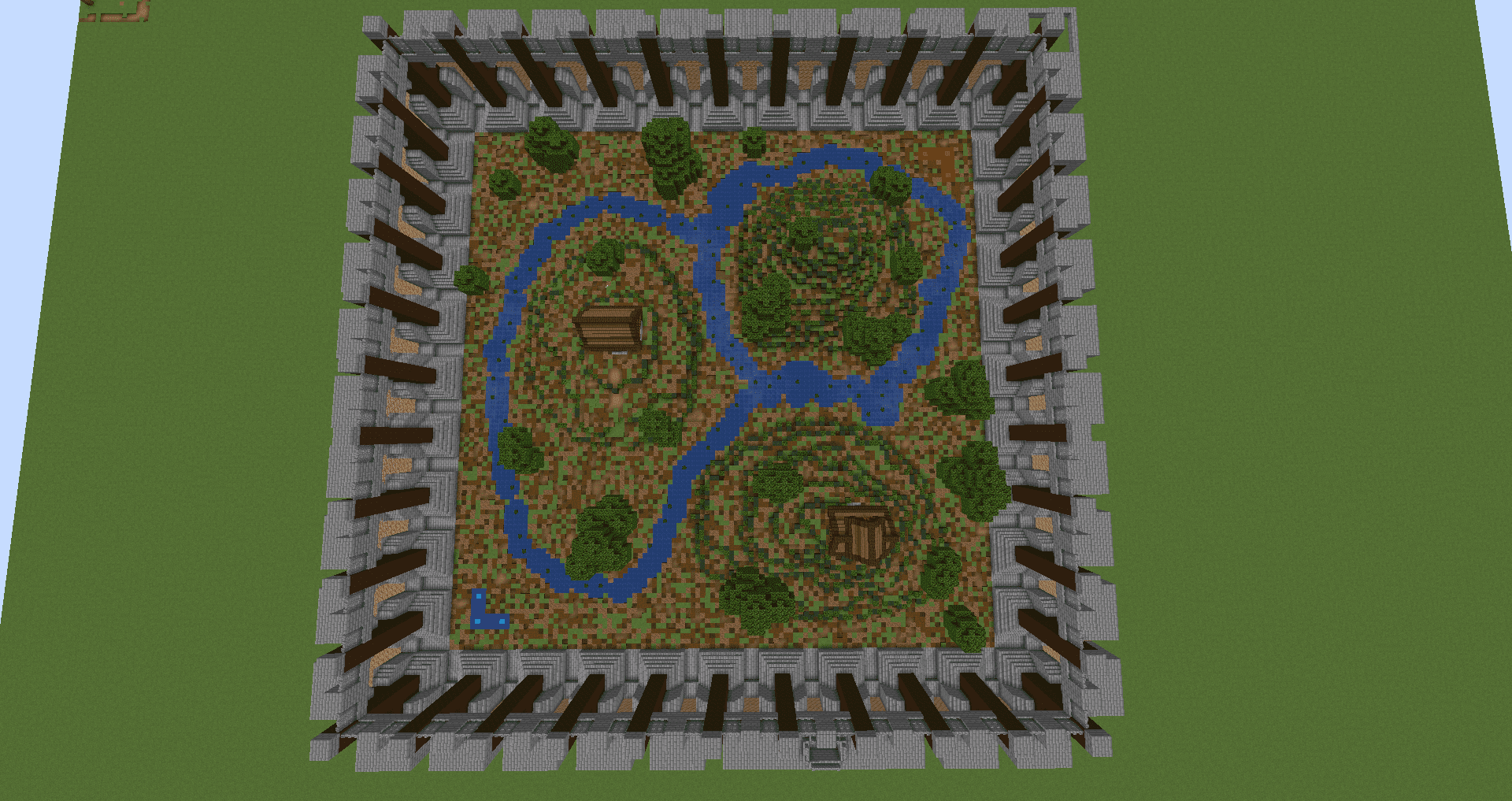
We have included 3 custom-built arenas of different sizes.


Ranks
There are 4 Ranks setup on the server. Admin/Owner, Mod, & Member
The ranks can be edited using PEX .
Unique Plugins
Common Plugins
HolographicDisplays
WorldGuard
World Edit
EssentialsX
PermissionsEx
Vault
Conclusion
Paintball is an exhilarating, fast-paced run-and-gun type game where you’ll experience hours of competitive fun! It can be added to your server easily with our one-click installer. As with every premade setup we have, there is little to no configuration/development knowledge needed. However, don’t forget that your server will only be able to support one premade minigame/gametype at a time. If you want to have multiple different gametypes on your server, check out our guide on setting up a Bungeecord network here. With that said, you now know how to operate this gametype, so have a great day!





















