

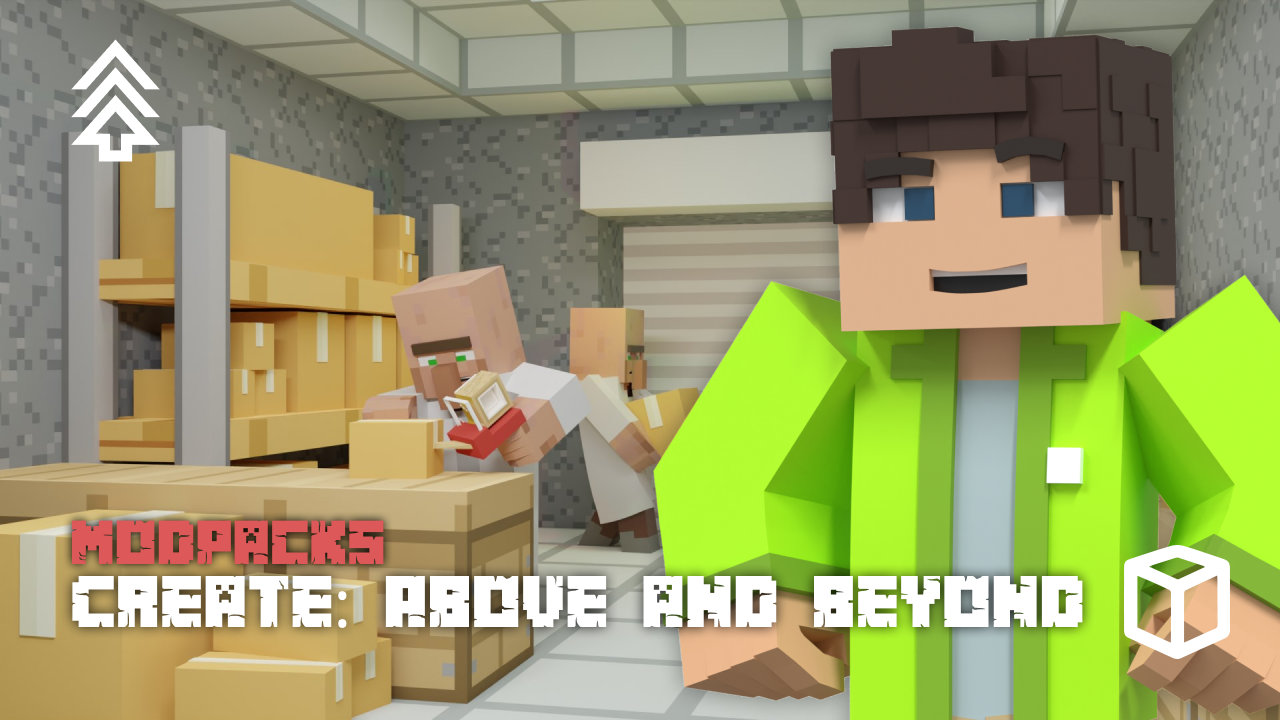
Minecraft players often seek a gameplay experience that combines intricate technology, a player-driven economy, and the thrill of exploration. The modpack Create: Above and Beyond offers this experience by tasking you with making about fifty inventions to program a spaceship and reach the moon. In this Apex Hosting guide, we’ll show you how to install Create: Above and Beyond on your Minecraft server with our one-click installer 👏
Create: Above and Beyond Modpack Installation
How to Download (Client)
- Install CurseForge if you haven't already, as it's required for the modpack.
- Open the CurseForge App and search for the modpack.
- Click
Installand wait for the download to finish. - The modpack profile will appear under
My Modpacksonce complete.
How to Install (Server)
- Purchase an Apex Hosting Server if you don't already have one, then follow these steps:
- Navigate to your Apex server panel and open the
Game Filesection. - Use the dropdown and search for the modpack name, then select it.
- Follow the prompts:
Change Version > Generate New World > Restart Now. - Wait for the server to load and join using your modded profile.
Create: Above and Beyond Modpack Showcase
Create: Above and Beyond is a challenging modpack centered around automation and technological progression. It pushes players to build intricate factories and explore new systems to reach the final frontier: space.
Seed-Unique Recipes
Alchemical research uncovers secret transmutation recipes. These recipes are directly tied to the world’s specific generator seed. The Create: Above and Beyond modpack provides a distinct experience with every new world, as the methods for creating key items will change.
Trade and Specialise
Players take on professions or complete errands to earn a special currency. Coins are then spent at the market through the questing interface to purchase needed resources. This economy system in Create: Above and Beyond offers an alternative to gathering every single material by hand.
Exclusive Content
A large collection of custom blocks, items, and fluids is introduced to the game. Create: Above and Beyond also includes unique scripts that create new interactions between different machines and materials. This exclusive content opens up new avenues for automation and construction.
Modded Minecraft Server Hosting
The Create: Above and Beyond modpack provides a complete technological progression that leads to building a rocket and traveling to space. With your newfound knowledge, there are still intricate economies to build and new planets to discover. Invite your friends and start exploring everything Create: Above and Beyond has to offer
Frequently Asked Questions
Below are frequently asked questions about Create: Above and Beyond.
What is the main goal of this modpack?
The primary objective in Create: Above and Beyond is to progress through a technological journey to achieve space travel. You will build a large factory to produce thousands of components for about fifty different inventions. These final products are used to program the guidance computer for your spaceship.
Is there a way to avoid grinding for materials?
Yes, this modpack contains a trading system to reduce grinding. You can accept professions or run errands to earn coins, which are then used to purchase resources, artifacts, and blocks from the market. The trading system in Create: Above and Beyond is accessible through the questing interface.
Can I use Optifine or shaders?
Optifine appears to be compatible and can improve framerate at the cost of longer startup times. If you use a shaderpack and the sky begins to flicker, navigate to `config/advancedRocketry.toml` and set `PlanetSkyOverride` to false. Use Optifine and shaders at your own risk as support is not guaranteed for compatibility issues.






















