

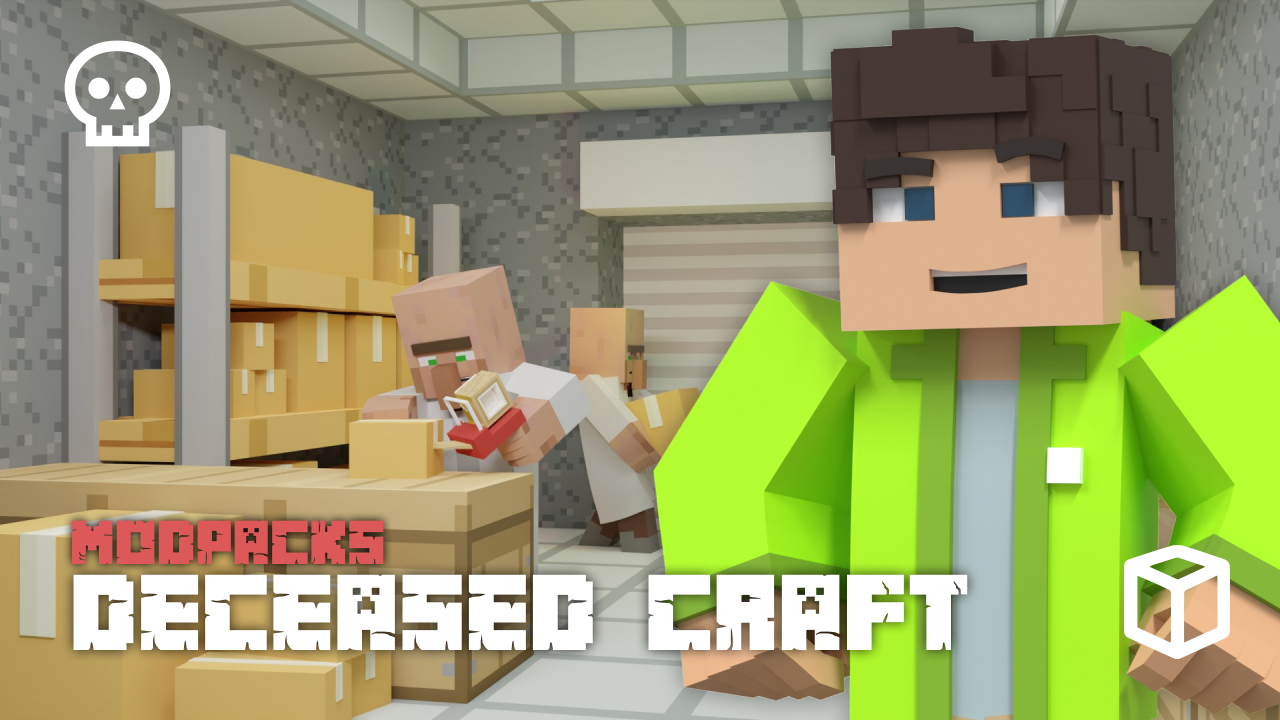
The ultimate challenge in Minecraft often involves blending deep exploration with modern technology and a desperate fight for survival. The Deceased Craft modpack delivers this experience, dropping you into a sprawling city overrun by the undead. In this Apex Hosting guide, we’ll show you how to install Deceased Craft on your Minecraft server with our one-click installer 👏
Deceased Craft Modpack Installation
How to Download (Client)
- Install CurseForge if you haven't already, as it's required for the modpack.
- Open the CurseForge App and search for the modpack.
- Click
Installand wait for the download to finish. - The modpack profile will appear under
My Modpacksonce complete.
How to Install (Server)
- Purchase an Apex Hosting Server if you don't already have one, then follow these steps:
- Navigate to your Apex server panel and open the
Game Filesection. - Use the dropdown and search for the modpack name, then select it.
- Follow the prompts:
Change Version > Generate New World > Restart Now. - Wait for the server to load and join using your modded profile.
Deceased Craft Modpack Showcase
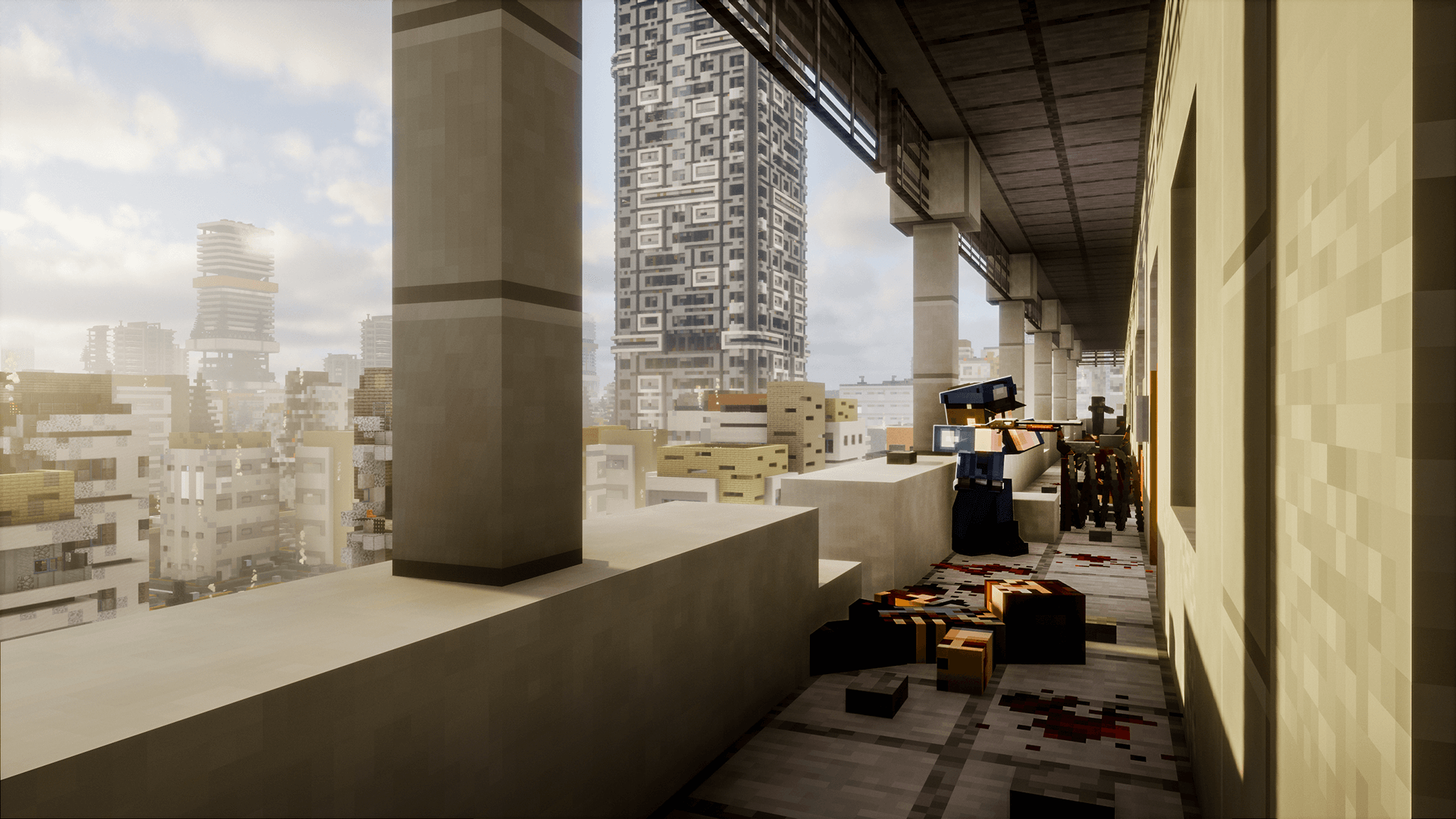
Deceased Craft turns Minecraft into a harrowing zombie apocalypse survival experience. It introduces a ruined world filled with new dangers, challenges, and tools for survival.
Extensive Arsenal
Arm yourself with a massive collection of over 100 different weapons and guns. The Deceased Craft modpack provides more than 20 new armor sets spread across four tiers of progression. This equipment is balanced to support a wide variety of combat styles.
Procedurally Generated City
The world is a sprawling, procedurally generated city created using The Lost Cities mod. This urban landscape in Deceased Craft is organized into five custom, hand-crafted districts. These distinct zones contain over 60 unique buildings to explore and scavenge.
Custom Horde System
Prepare for relentless attacks from a custom wave-based horde system. The intensity and size of these waves are tied directly to individual playtime. The difficulty in Deceased Craft increases as the days progress, creating a persistent and growing challenge.
Custom Skill Tree
A complete custom skill tree system gives new options for character development. This system allows for the specialization of your character to better suit a preferred playstyle. The skills offered in Deceased Craft provide another layer of character progression.
Modded Minecraft Server Hosting
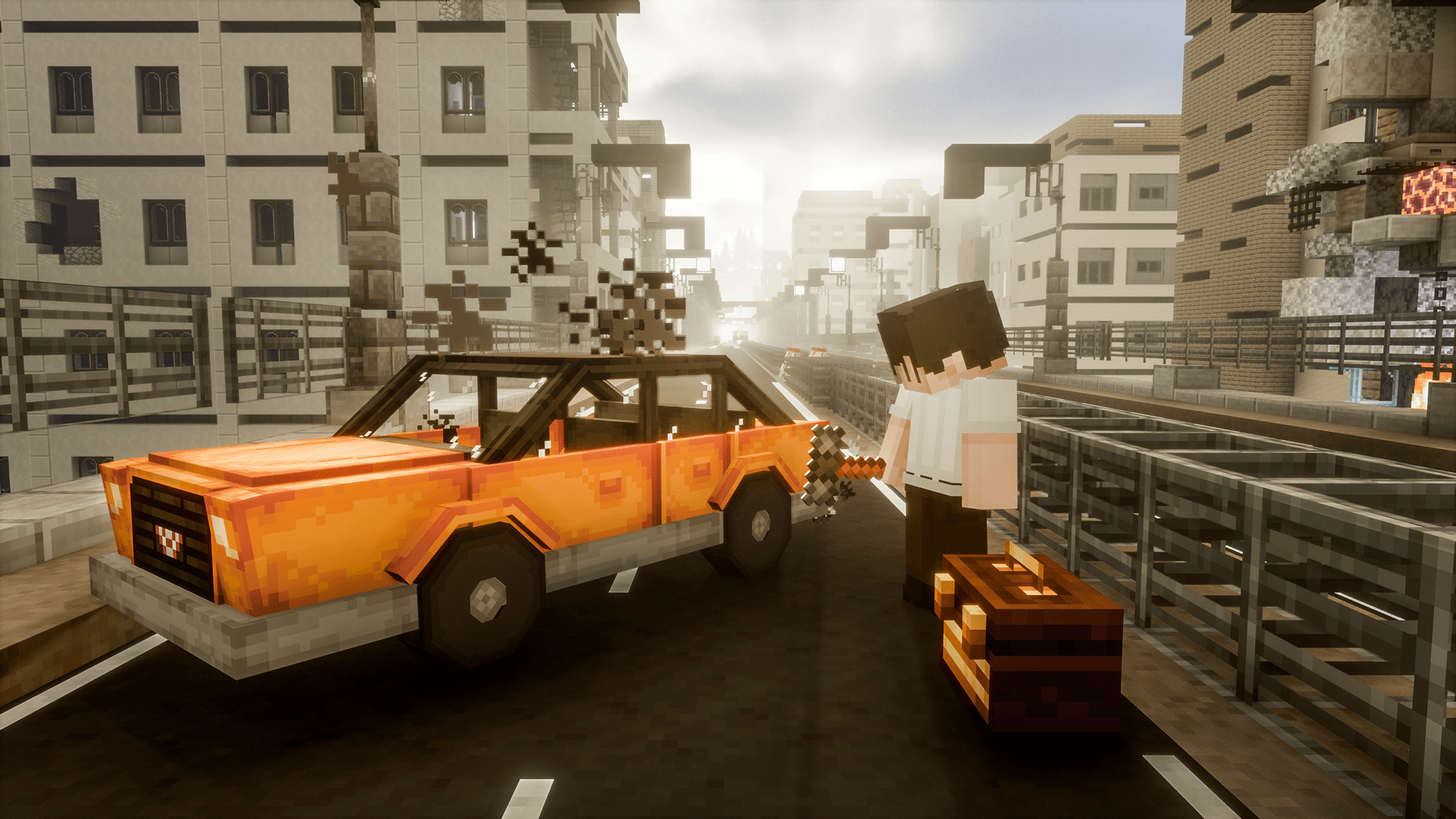
Deceased Craft transforms your Minecraft server into a modern, ruined civilization where you must strive and survive against zombies. With the basics of survival covered, there are still powerful bosses to defeat and new technologies to research. Invite your friends and start exploring everything Deceased Craft has to offer
Frequently Asked Questions
Below are frequently asked questions about Deceased Craft.
Why aren’t multi-blocks or vehicle spawns working on my server?
Some features in the Deceased Craft modpack require command blocks to function correctly. If you are hosting on a server, you must enable this setting for everything to work as intended. Navigate to your server settings and ensure the “Enable Command Blocks” option is on.
Should I play the beta version or an older version?
The beta version (v5.10+) is an incomplete preview of the next major update and cannot be finished. It is missing endgame content like the Wasteland and Abyss districts. If you want a full gameplay experience from start to finish, you should download and play version 5.5.5 instead.
Can I add OptiFine to the modpack for better performance?
You should not use OptiFine with this modpack, as it will cause issues. The Deceased Craft modpack already includes the Embeddium mod, which provides similar performance benefits. Adding OptiFine on top of this is unnecessary and will lead to conflicts.






















