

Exploring the world to find ancient fossils and building machines to revive them adds a new layer to survival gameplay. Prehistoric World is the perfect Minecraft modpack for this, letting you build your own park by finding fossils, extracting DNA, and using machinery to bring extinct dinosaurs back to life. In this Apex Hosting guide, we’ll show you how to install Prehistoric World on your Minecraft server with our one-click installer 👏
Prehistoric World Modpack Installation
How to Download (Client)
- Install CurseForge if you haven't already, as it's required for the modpack.
- Open the CurseForge App and search for the modpack.
- Click
Installand wait for the download to finish. - The modpack profile will appear under
My Modpacksonce complete.
How to Install (Server)
- Purchase an Apex Hosting Server if you don't already have one, then follow these steps:
- Navigate to your Apex server panel and open the
Game Filesection. - Use the dropdown and search for the modpack name, then select it.
- Follow the prompts:
Change Version > Generate New World > Restart Now. - Wait for the server to load and join using your modded profile.
Prehistoric World Modpack Showcase
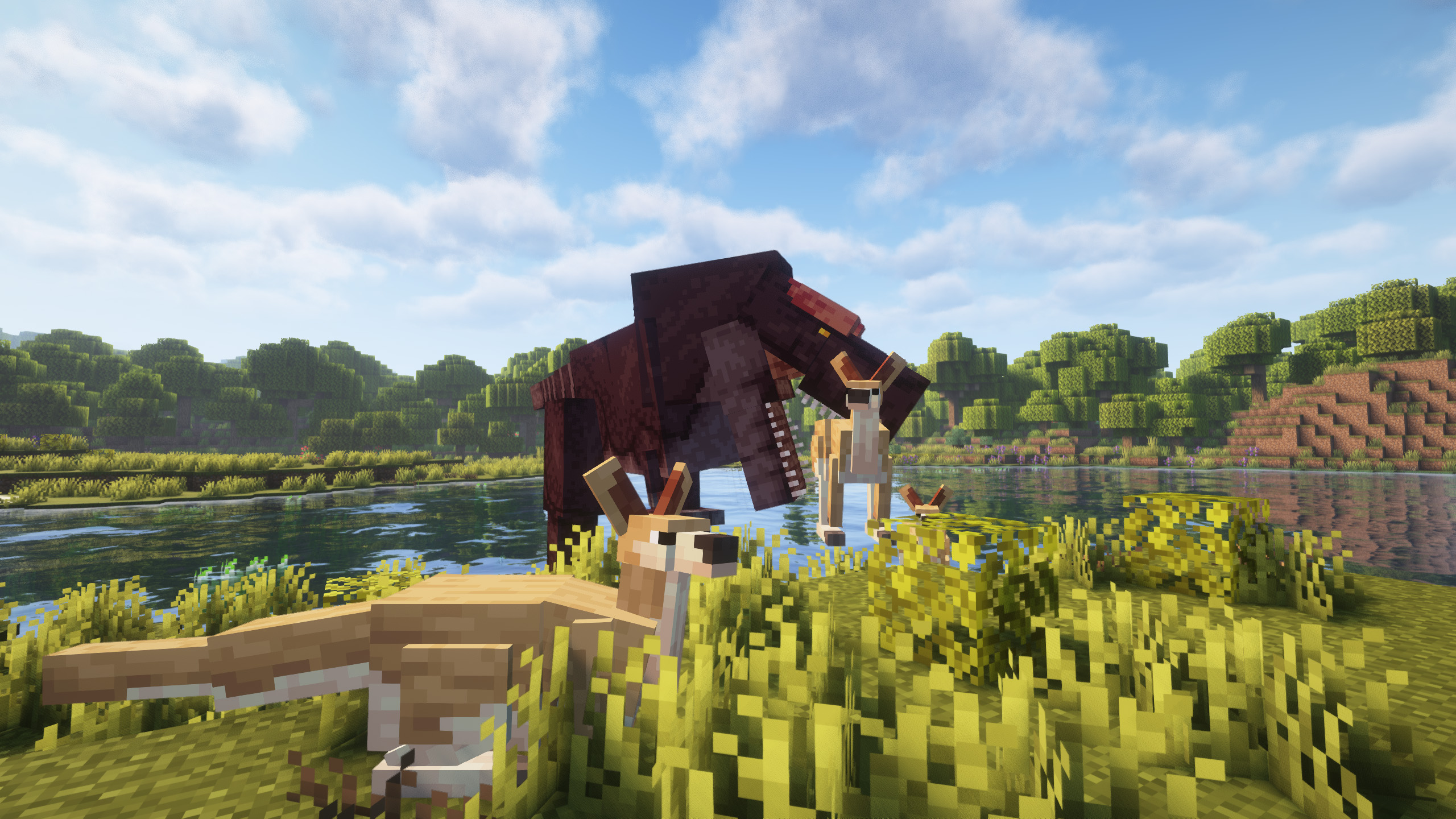
Prehistoric World plunges you into a forgotten era of primitive beasts and medieval conflict. This modpack combines adventure and survival with a unique historical theme.
Quest Guide
An integrated quest book provides clear, step-by-step instructions for progression. This system guides players through the new challenges and content. Following the quests in Prehistoric World ensures you always have a goal to pursue.
Themed Mods
A curated selection of mods establishes a distinct atmosphere. Additions like Age of Weapons, Medieval Deco, and Unusual Prehistory work together to fill the world with dinosaurs and fitting decorations. These mods are essential to the Prehistoric World experience.
Performance Optimization
The modpack includes performance-improving additions like Xenon for a smoother gameplay experience. Prehistoric World is also ready for visual upgrades. The included Oculus mod provides compatibility with many popular shaders.
Modded Minecraft Server Hosting
Prehistoric World provides the tools to extract DNA from fossils and bring ancient dinosaurs back to life. With the basic technology now understood, advanced machinery and entirely new prehistoric biomes are left to be discovered. Invite your friends and start exploring everything Prehistoric World has to offer
Frequently Asked Questions
Below are frequently asked questions about Prehistoric World.
What is the main goal of the modpack?
The primary objective is to build your own dinosaur park by bringing extinct creatures back to life. You will accomplish this by finding fossils, extracting DNA, and using special machinery. The in-game quests section provides a step-by-step guide to help you get started.
Where can I find dinosaurs?
You will start in a world where most dinosaurs are extinct, but some still exist in the wild. Many have taken refuge in the oceans, so beware when exploring the water. The main way to get dinosaurs for your Prehistoric World park is to revive them from fossils.
Why is my game running with low FPS?
Low performance is commonly caused by insufficient RAM allocation. To fix this, locate the profile options in your CurseForge app and uncheck the option to use the default memory system. You must then move the slider to allocate at least 8GB or 8192 MB for the best experience.






















