

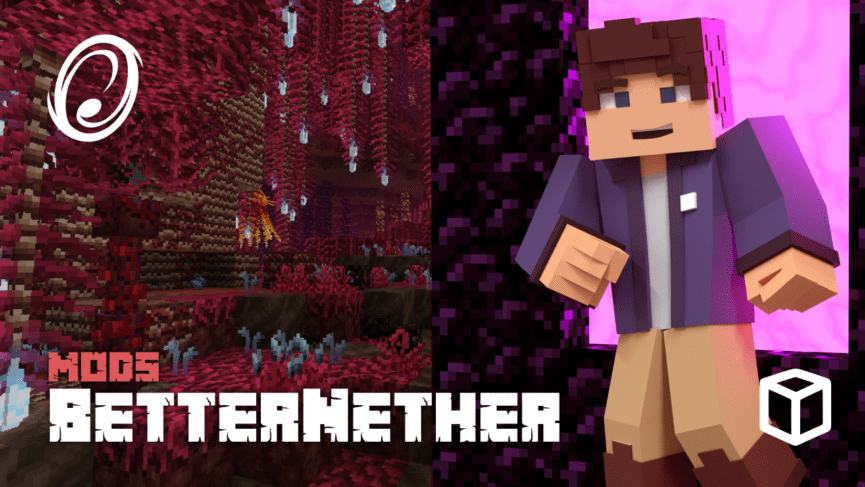
Do you want to make the Nether more exciting in Minecraft? The BetterNether mod for Fabric reimagines the fiery dimension with new biomes, unique structures, custom mobs, blocks, and overall improved exploration. This makes the Nether feel more alive and adventurous, adding fresh reasons to return even after grabbing blaze rods.
In this Apex Hosting guide, we’ll show you how to explore and enjoy the BetterNether mod 👏
BetterNether Showcase
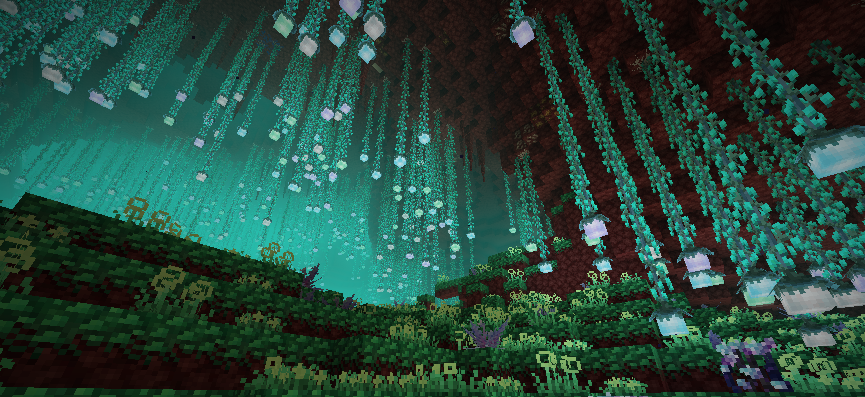
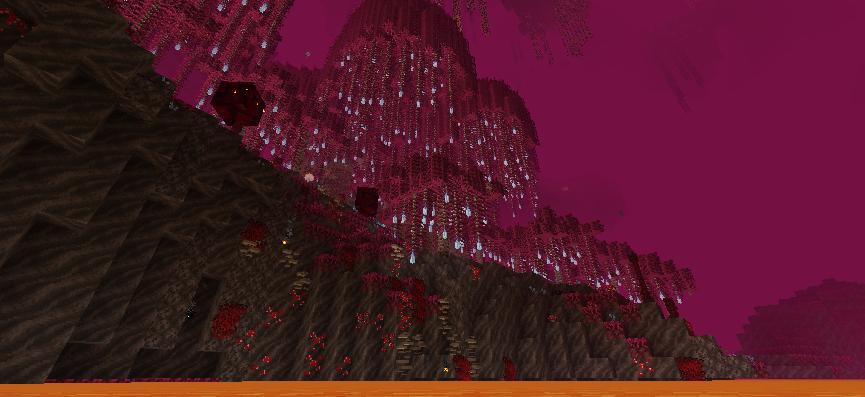
The BetterNether mod completely transforms the Nether into a more vibrant, mysterious, and fun dimension to explore. Instead of wide stretches of netherrack and open lava lakes, you’ll discover lush glowing forests, volcanic basins, ancient ruins, and unique Nether-based ecosystems. The atmosphere stays dangerous, but feels far more alive!
As you wander around, there will be custom structures scattered throughout the dimension. They can be tucked away into cliffs, caverns, or near lava lakes. There’s also a few new mobs that you will encounter, so be prepared to fight if you must. With all the new blocks and items added from this mod, builders will go wild – especially with friends!
Enhanced Biomes
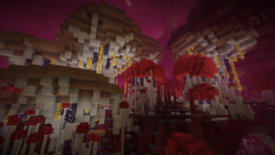
The Nether becomes a layered landscape of unique biomes, with custom generation. Expect dense overgrown forests, crimson jungles, warped mushroom valleys, and lava-filled cave systems. Each biome has its own themes, vegetation, atmosphere, and distinct resources you can gather. This brings more depth to the environment compared to vanilla.
New Structures
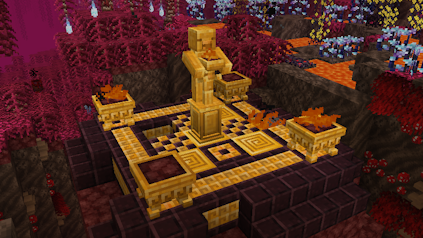
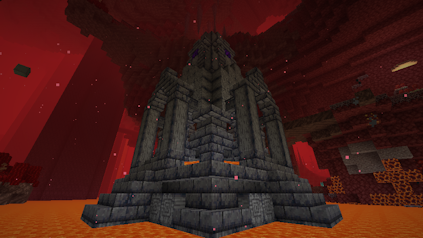
After exploring the new Nether dimension, you will notice a few structures. One of them allows you to set a respawn location! The process is simple: you hold 4x Glowstone and right-click the statute. The other structures might be a good spot for a Nether base or to collect some goodies! Open chests, mine unique blocks, and use them however you like 🔥
New Blocks & Items
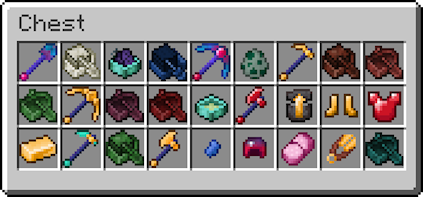
There are few new items and blocks added with the BetterNether mod for Minecraft. These include tools, boats, armor, and a few unique items. We strongly recommend installing REI to easily find their crafting recipes. Most of these, if not all of them, are designed to be used in the Nether – but you do you!
Better Adventure with Friends!
BetterNether takes one of Minecraft’s most challenging dimensions and turns it into something deeper, atmospheric, and rewarding to explore. From lush fiery biomes to ancient structures and new building materials, this mod breathes fresh life into the Nether while keeping its iconic danger and intensity. If you’ve ever wanted the Nether to feel more mysterious and alive, give BetterNether a try on your own server!
It pairs great with other exploration and immersion focused mods 🔥
BetterNether Mod Setup
The following sections will show you how to download, install, and set it up in Minecraft.
How to Download
- Navigate to BetterNether (CurseForge / Modrinth) and download it.
- Make sure to choose the right file for your
Mod Loader&Game Version. - Save the mod file somewhere easily accessible on your computer.
- Repeat these steps for the following required dependencies: BCLib & FabricAPI.
How to Install
If you haven’t already, install Fabric on your Minecraft launcher to run the mod. Alternatively, you can install a third-party launcher such as CurseForge or Modrinth.
Follow these instructions if you use the default launcher for Minecraft.
- Make sure Fabric is installed.
- Open the Minecraft Launcher →
Installationstab. - Click the
folder iconnext to your Fabric profile. - Open (or create) a folder named mods.
- Move the BetterNether
.jarfile and required mods into that folder. - Launch Minecraft with your Fabric profile.
Follow the steps below if you use CurseForge, Modrinth, etc..
- Open your launcher and select your modpack or profile.
- Click
Add More ContentorInstall Mods. - Search for “BetterNether”.
- Click
Install– dependencies will install automatically. - Launch the game to start using the mod.
Server Setup
Before getting started, purchase a server if you don’t already own one.
- Head towards your Apex server panel and click the
FTP File Accessbutton. - Continue to enter your
Passwordin the text box, then press Login. - On the next page, locate and click the
modsdirectory once found. - Drag all
.jarfiles into this folder, then wait for them to reach 100%. - Return to the main panel, generate a new world, then restart the server.
👇 For more detailed information, follow the guide below.
How to Install Mods to Your Minecraft Server
BetterNether – FAQ
No, but there is an unofficial port called BetterNether Reforged that you can use for Forge.
FabricAPI and BCLib are required to use BetterNether, but EMI, Roughly Enough Items. and WTHIT. Without installing these, the main mod will not work in Minecraft.
Make sure you installed all the required dependencies, for both the launcher and server. Additionally, you may need to generate a new world for the custom generation to work. You may also explore further deeper in the Nether to see the new generation, as an alternative. One final note, Fabric needs to be used when launching Minecraft and running the server.
Yes and no – it depends on how the other mods impact world generation for the Nether dimension. If it completely overhauls it, then most likely not. Read the descriptions, comments from developers, and other sources of information to double-check.





















