

Do you want a more immersive experience in Minecraft? The First-Person Model mod for Minecraft Forge or Fabric helps with that, as it allows you to see all the third-person animations in first-person! This means you can look down and see yourself run or hit blocks, rather than just your hand. This is amplified when mounting horses, riding in boats, and other activities in-game.
In this Apex Hosting guide, we’ll show you how to install and use the First-Person Model mod 🔥
Go to First-Person Model Setup
First-Person Model Showcase
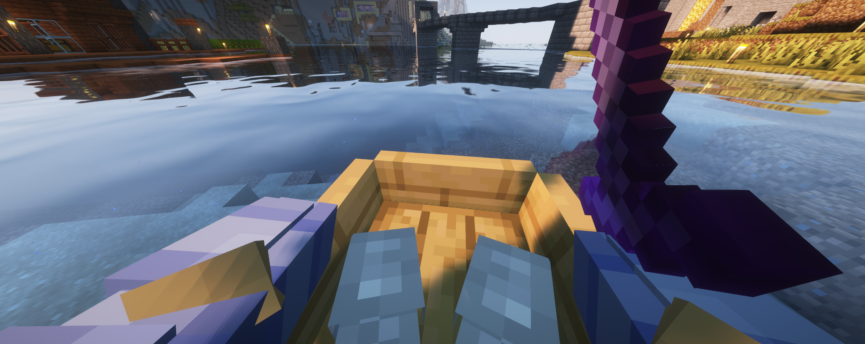
This client-sided mod is lightweight and super easy to use! You will need to enable its features since it’s toggled off by default.This can be easily done by pressing F6 on your keyboard. This helps if you’re in combat and don’t want to see the animations, especially if they mess you up. Whether you’re playing with friends on a Minecraft server or running it up solo, the First-Person mod works without any issues!
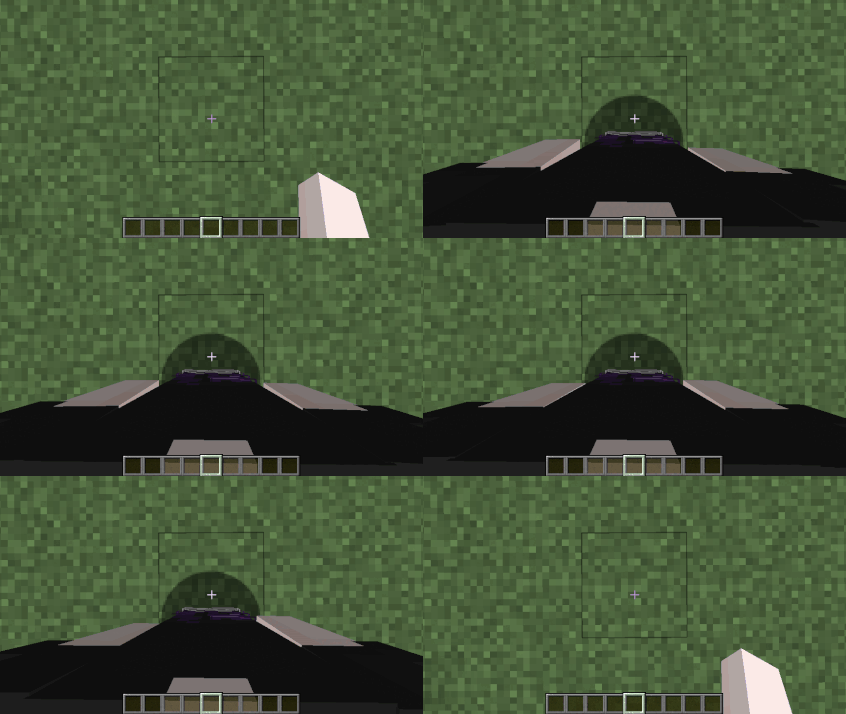
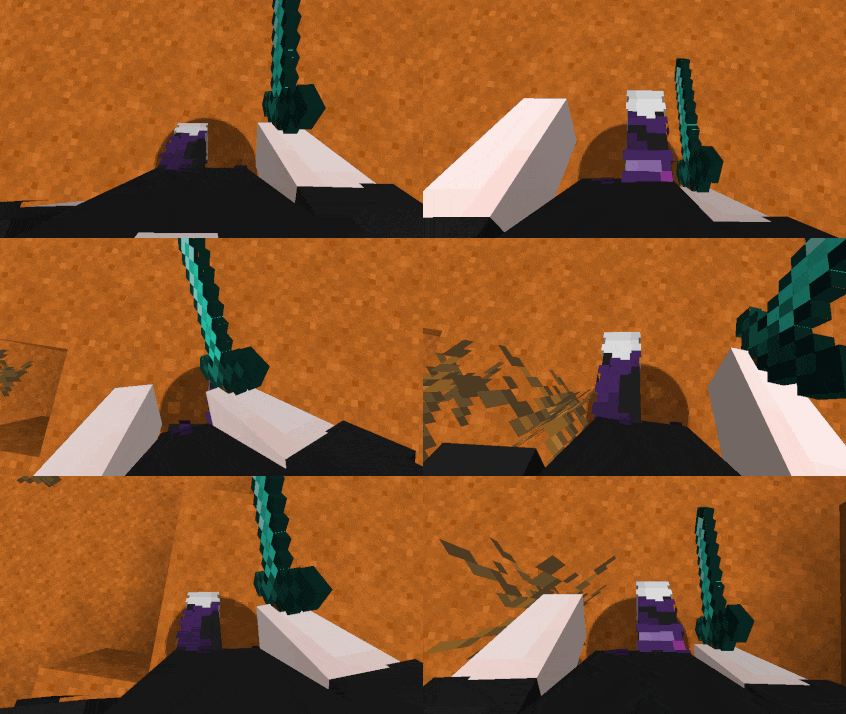
With the mod installed, toggle it and begin walking around. You can see your legs and arms move, just as you would in third-person. Slash your sword, slay enemies, jump around, anything you do in-game will now be reflected in these animations. This creates an immersive experience unlike any other, especially if you combine it with shaders.
The First-Person Model mod for Minecraft Forge or Fabric is really lightweight and simple. It’s typically added into modpacks that focus on immersion, such as realistic RPGs. Consider adding this mod to others, making your own modpack to use in-game 👏
Model Immersion
The First-Person Model mod transforms how you see Minecraft – literally. By letting you view your full body animations in first-person, it adds a level of realism and immersion that makes every movement feel more alive. Whether you’re exploring, fighting mobs, or building your next masterpiece, this lightweight, client-side mod fits perfectly into any setup. Combine it with shaders or realism-focused modpacks for an even more dynamic experience!
First-Person Model Setup
The following sections show you how to download and install the mod in Minecraft 🔥
How to Download
- Navigate to First-person Model on CurseForge and download it.
- Make sure to choose the right file for your
Mod Loader&Game Version. - Save the mod file somewhere easily accessible on your computer.
- Repeat this process for Not Enough Animations, as this is required.
⚠️ For those who use Fabric for Minecraft, please make sure to install FabricAPI too.
How to Install
If you haven’t already, install Fabric or Forge on your Minecraft launcher to run the mod. Alternatively, you can install a third-party launcher such as CurseForge to manage mods.
Follow these instructions if you use the default launcher for Minecraft.
- Make sure Fabric or Forge is installed.
- Open the Minecraft Launcher →
Installationstab. - Click the
folder iconnext to your Fabric or Forge profile. - Open (or create) a folder named mods.
- Move the First-Person Model
.jarfile and required mods into that folder. - Launch Minecraft with your Fabric/Forge profile.
Follow the steps below if you use CurseForge, Modrinth, etc..
- Open your launcher and select your modpack or profile.
- Click
Add More Contentor Install Mods. - Search for “First-Person Model”.
- Click
Install– dependencies will install automatically. - Launch the game to start using the mod.
The First-Person Model is entirely client-side. You do not need to install it on your server!





















