

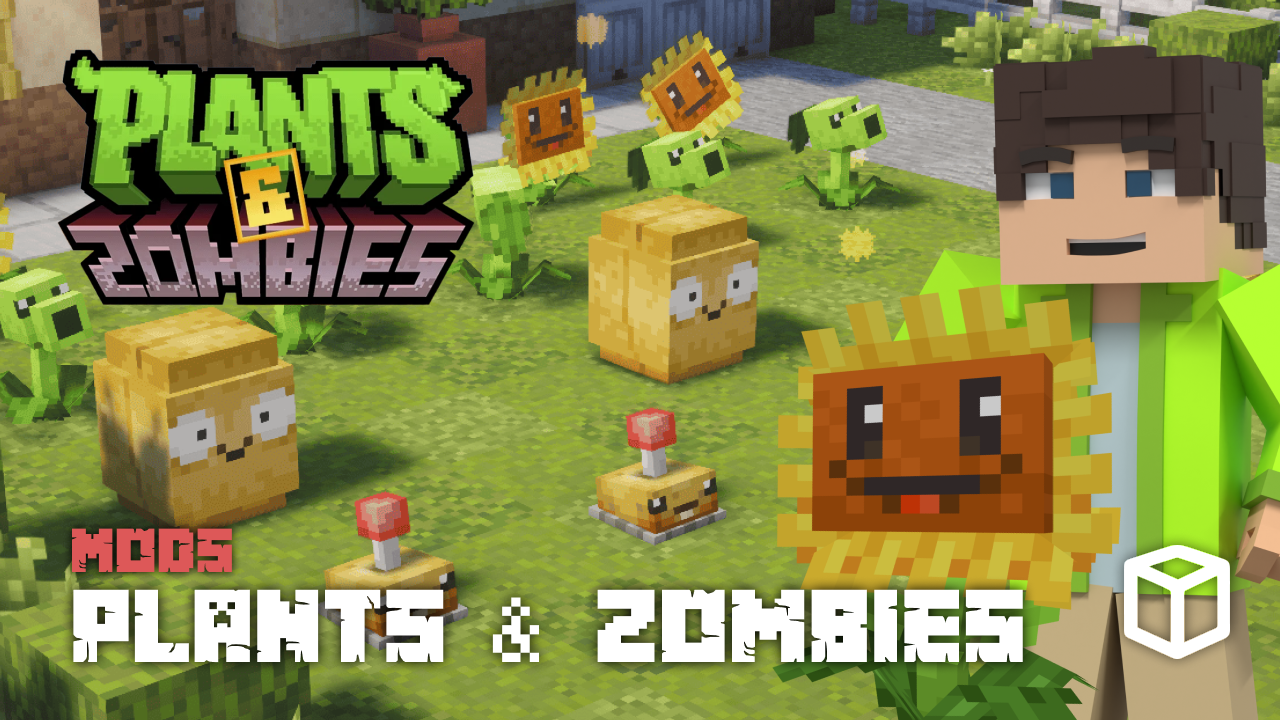
Introducing the Plants & Zombies mod for Minecraft – our partner! Build your farms to collect Sun and begin growing other plants to better defend your base from zombie hordes. Inspired by Plants vs Zombies, this mod can be a perfect addition to your Minecraft server. With unique farming mechanics and plant-based combat, the mod delivers a completely different way to experience survival gameplay. In this Apex Hosting guide, we’ll showcase the Plants & Zombies mod and how you can play it today!
Plants & Zombies Minecraft Mod
This journey begins with the collection of Sun, the essential energy required to interact with every plant. While you can find small amounts of it in the wild, the most effective strategy is to farm a Sunflower. These plants are the backbone of your resource economy, as they consistently generate the high volumes of Sun needed to expand your garden and maintain your defenses.
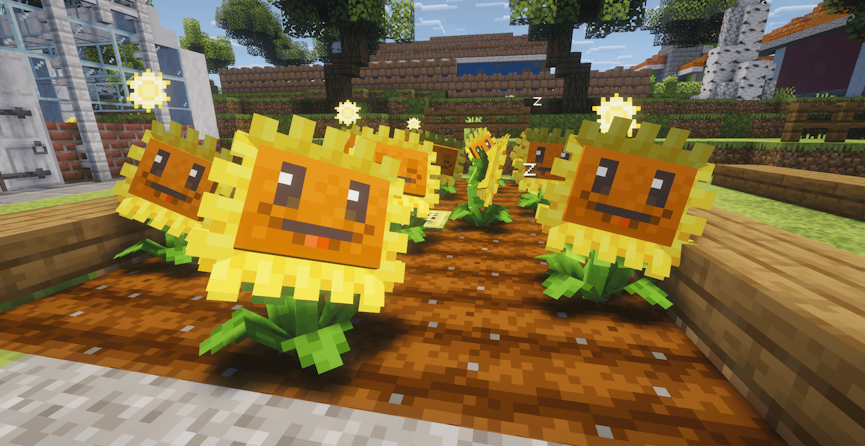
Once you have established a steady supply of Sun, you can use it to tame plants you encounter across different biomes or you can find them in village chests. Beyond taming, Sun acts as a restorative force – feeding it to your damaged plants will heal them during or after combat. This makes the Sunflower an absolute priority for any player, as its output allows you to both recruit new allies and keep your existing plants healthy.
Advanced Farming
As your garden grows, the Zen Plant Pot becomes a vital tool for both resource management and base fortification. By placing a plant into a Zen Plant Pot or onto Farmland, you trigger a specialized farming mode where the plant enters a sleep cycle. Once it wakes and is fed the Sun it requires, it will produce seeds. This allows you to get the most powerful defenders without having to venture back out into the wild.
The Zen Plant Pot also offers a tactical advantage during combat by significantly increasing the defense of any plant placed within it. This added protection can significantly boost your advantage against any undead attack or raid. By combining the seed farming mechanic with the defensive buffs of the pot, you can create a sustainable area that can withstand prolonged attacks.
Zombie Raids
The threats in the Plants & Zombies mod are much more coordinated than standard Minecraft monsters. They’re often led by powerful Leader Zombies and can easily overwhelm you. These are not only tougher to kill but have the ability to summon reinforcements to their location. It can quickly turn into a desperate struggle if you aren’t prepared. You will need to carefully place your defensive plants to counter these leaders before they begin raiding your stronghold.
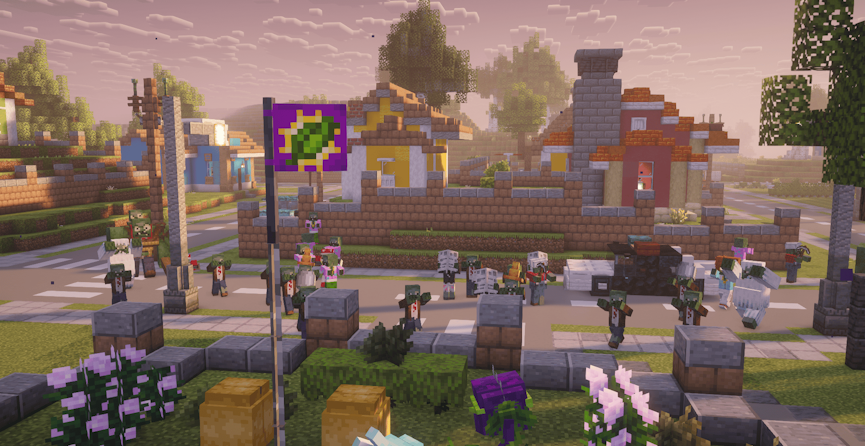
The ultimate test of your skills comes during the Zombie Raid event, where unique and specialized zombie types emerge. These raids require a diverse mix of plant abilities and strategic layout to survive, as the enemies will utilize every advantage to break through your lines. Between these massive events and the special zombies that spawn under specific conditions, maintaining a balanced garden is the only way to ensure your survival. Keep in mind that you can always use other forms of combat too if you’re feeling too overpowered by them.
How to Download
- Navigate to Plants & Zombies on CurseForge and download it.
- Save the mod file somewhere easily accessible on your computer.
- Repeat these steps for Fabric API, Fabric Language Kotlin, and Xaero’s Minimap.
How to Install
If you haven’t already, install Fabric on your Minecraft launcher to run the mod. Alternatively, you can install a third-party launcher such as CurseForge.
Default Launcher
Follow these instructions if you use the default launcher for Minecraft.
- Make sure Fabric is installed.
- Open the Minecraft Launcher → Installations tab.
- Click the folder icon next to your Fabric profile.
- Open (or create) a folder named
mods. - Move the .jar file and required mods into that folder.
- Launch Minecraft with your Fabric profile.
Third-party Launcher
Follow the steps below if you use CurseForge, Modrinth, etc..
- Open your launcher and select your modpack or profile.
- Click Add More Content or Install Mods.
- Search for “Plants & Zombies”.
- Click Install – repeat this process for dependencies.
- Launch the game to start using the mod.
Server Setup
Before getting started, purchase a server if you don’t already own one.
- Head towards your Apex server panel and click the FTP File Access button.
- Continue to enter your Password in the text box, then press Login.
- On the next page, locate and click the
modsdirectory once found. - Drag all .jar files into this folder, then wait for them to reach 100%.
- Return to the main panel, generate a new world, then restart the server.
👇 For more detailed information, follow the guide below.
How to Install Mods to Your Minecraft Server
Modbox Installation
As an alternative to the manual installation, you can install Plants & Zombies on your server using Modbox, our built-in mod browser with direct CurseForge integration.
- Log in to your Apex Hosting account and open your Minecraft server panel.
- On the left side, select
Server Configuration > Modbox.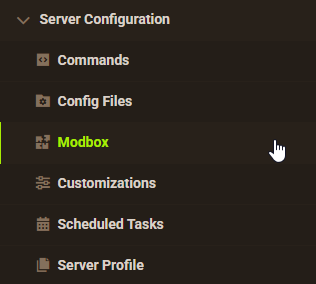
- Search for the mod you want and open its mod page.

- Select the recommended version for your server, then click
Install.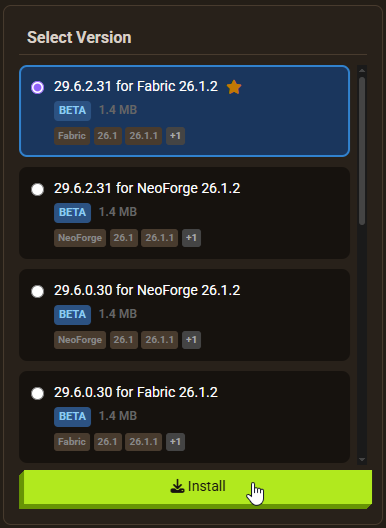
Note: Modbox automatically matches mods to your server's installed version, but does not install dependencies automatically. For more details on using Modbox, check out our full Modbox guide.
Plants & Zombies requires the Fabric API, Fabric Language Kotlin, and Xaero’s Minimap dependency mods to function. Search for and install each individually through Modbox using the steps above, before installing Plants & Zombies itself. Note that a new world is also recommended after installation, regardless of which installation method you use.
Build, Farm, Defend
From farming Sunflowers to defending your base against powerful Leader Zombies, the Plants & Zombies mod adds an exciting layer of strategy and progression to Minecraft. Whether you’re a fan of Plants vs Zombies or wanting to try something new, this mod ensures you have a new way to defend against monsters. Invite your friends and try it out today!






















